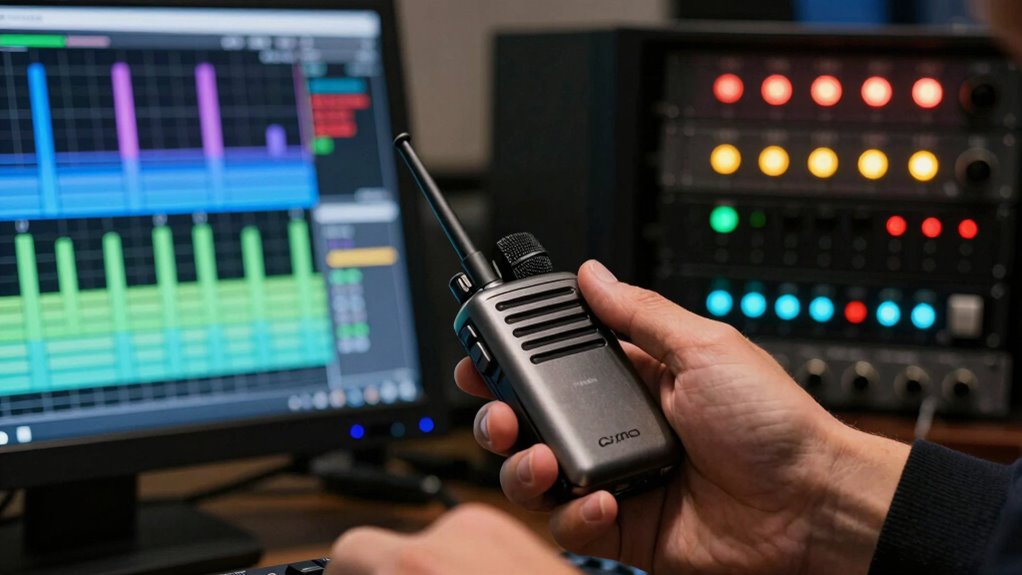
Wireless mics work by transmitting audio signals over specific radio frequencies, which you need to select carefully to avoid dropouts and interference. Using the right frequency band—like UHF or 2.4 GHz—and staying within legal channels helps prevent issues and keeps your gear compliant with regulations. Interference from other devices and obstacles can cause dropouts, but proper setup and spectrum management reduce this risk. Keep exploring to discover how to guarantee reliable performance every time.

Get business pricing on office and shipping supplies
- Business-only prices and quantity discounts
- Tax-exempt purchasing
- Multiple users, one account, clear invoices
Key Takeaways
- Select appropriate frequency bands (UHF or 2.4 GHz) based on venue and interference risks.
- Conduct spectrum scans before events to identify clear, legal channels and avoid congestion.
- Use proper antenna placement and diversity receivers to minimize signal dropouts and interference.
- Follow local regulations for licensing and permitted frequency use to prevent legal issues.
- Troubleshoot dropouts by checking batteries, adjusting frequencies, and reducing obstructions during performances.
As an affiliate, we earn on qualifying purchases.
How Do Wireless Microphone Frequencies Work?
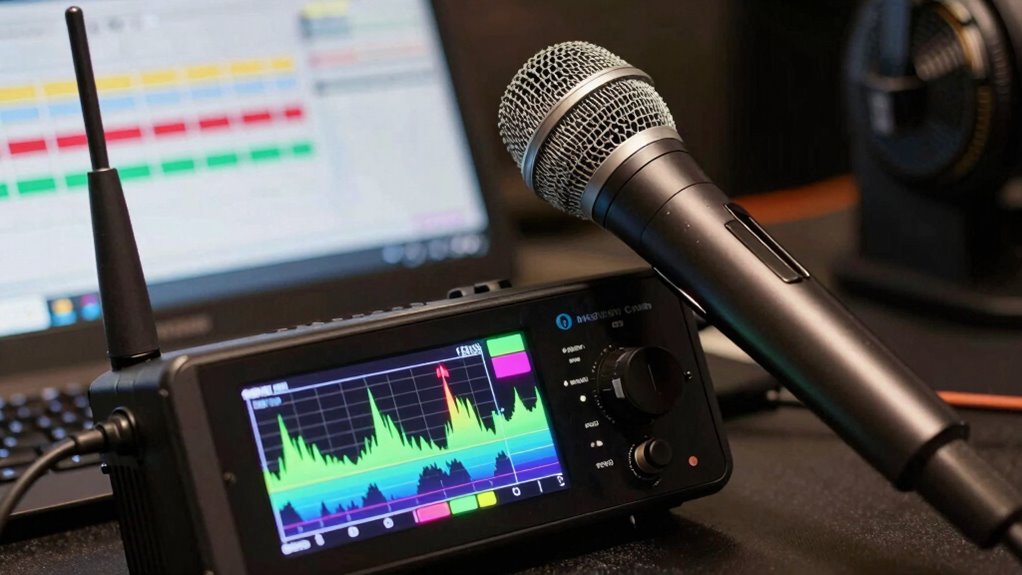
Ever wondered how wireless microphones transmit sound without cables? They use a method called frequency modulation, which encodes audio signals onto specific radio frequencies. Your microphone creates a unique carrier wave that’s modulated with the sound information, allowing the receiver to decode and reproduce the audio accurately. Spectrum allocation plays an essential role here, as regulatory bodies assign certain frequency bands for wireless mics to prevent interference. These bands are carefully divided to guarantee each device operates smoothly without overlapping signals. When you turn on your microphone, it’s tuning into a designated part of the spectrum, transmitting audio seamlessly through radio waves. By managing frequency modulation and spectrum allocation, wireless mics deliver clear sound without physical connections. Additionally, understanding the importance of frequency stability helps ensure consistent performance and minimal dropouts during use.
Which Frequency Band Is Best for Your Wireless Mic?
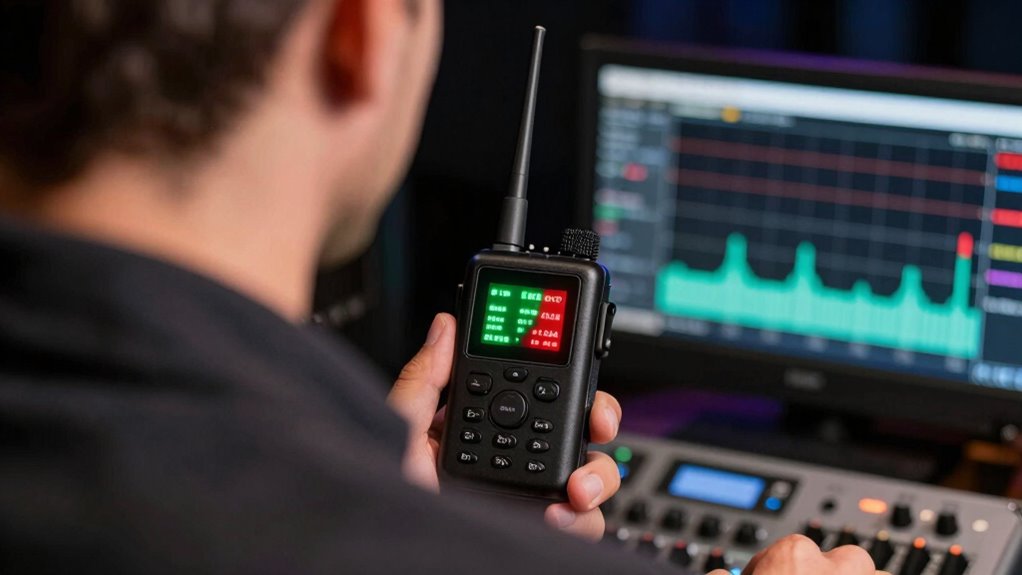
Choosing the right frequency band for your wireless microphone can considerably impact performance and reliability. The best band depends on your environment, interference levels, and local regulations. For ideal results, consider these factors:
- UHF band offers longer range but can be more crowded, requiring careful frequency coordination.
- 2.4 GHz band provides easier access and fewer regulations but may suffer from Wi-Fi interference.
- Proper antenna placement enhances signal strength and reduces dropouts regardless of the band.
- Regularly check local regulations to ensure compliance and avoid interference with other devices.
- Understanding the frequency spectrum in your area can help you choose the most suitable channel for your needs.
Ultimately, selecting the right band involves balancing interference risks with your venue’s layout, and adjusting antenna placement can improve stability no matter which frequency you choose.
Why Do Wireless Mics Drop Out? Causes and Solutions
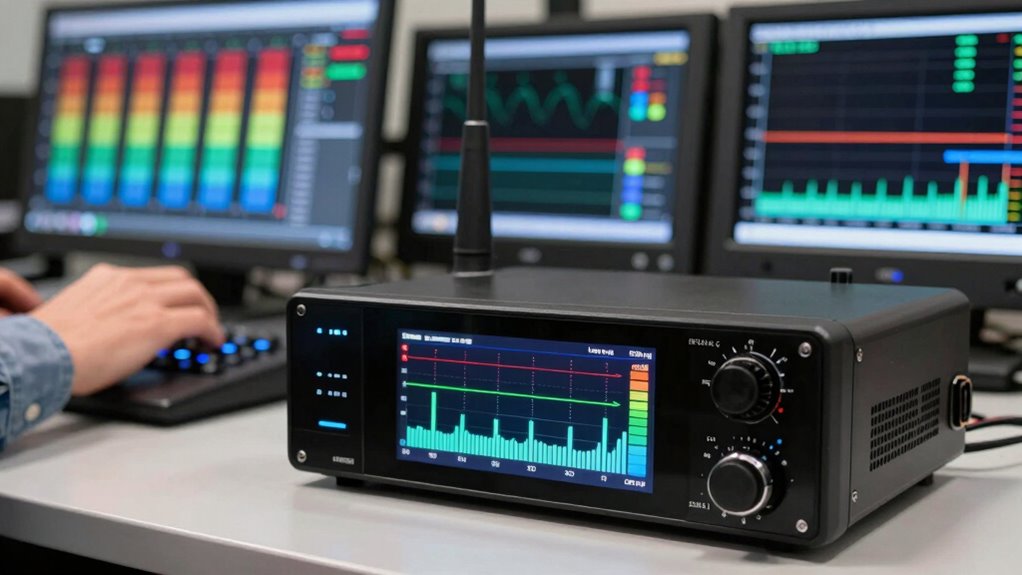
Wireless mics can drop out due to several common issues, like signal interference from other electronic devices or crowded frequencies. Battery power problems or low charge can also cause interruptions during use. Additionally, range limitations might prevent your mic from maintaining a solid connection, especially in larger venues. To ensure reliable performance, selecting proper frequency management is essential to minimize interference and improve connectivity.
Signal Interference Sources
Signal interference is one of the main reasons wireless microphones drop out during performances or events. Interference can come from various sources that disrupt your mic’s signal, causing dropouts or audio issues. To minimize this, focus on proper antenna placement, keeping antennas clear of obstructions and away from other electronic devices. Using signal amplification can also help strengthen weak signals. Be aware of common interference sources, such as:
- Other wireless devices operating on similar frequencies
- Wi-Fi routers and Bluetooth gadgets
- Power lines and electrical equipment
- Metallic objects blocking signals
- Digital content formats and research tools that utilize radio frequencies can also contribute to interference.
Battery Power Issues
Battery power issues are a common cause of wireless microphone dropouts, especially during lengthy events. To prevent this, proper battery maintenance is essential. Always check and replace batteries before the event, and consider using high-quality or rechargeable batteries for consistent performance. Keep spare batteries on hand as a reliable power backup to avoid unexpected failures. Regularly inspect battery contacts for corrosion or dirt, which can affect power delivery. Using fresh batteries guarantees your mic stays powered throughout the event, reducing the risk of dropouts. Investing in reliable power backup solutions, like external battery packs, can also help maintain a steady signal if primary batteries weaken. Proper battery maintenance and choosing the right power sources are crucial for preventing interruptions. Prioritize battery care to ensure your wireless mic performs smoothly without interruptions.
Range Limitations
Range limitations are a common reason why wireless microphones experience dropouts during performances or events. Your microphone’s effective operation depends on its frequency range and distance limitations. When you move beyond these limits, the signal weakens or cuts out entirely. Obstacles like walls, furniture, or people can also interfere with the signal, reducing effective range. To prevent dropouts, consider these factors:
- Signal strength within the specified frequency range
- Maximum distance from the receiver
- Presence of physical obstructions
- Interference from other wireless devices
- Understanding frequency bands can help optimize your setup for better reliability.
What Are the Legal Rules for Wireless Mic Frequencies?
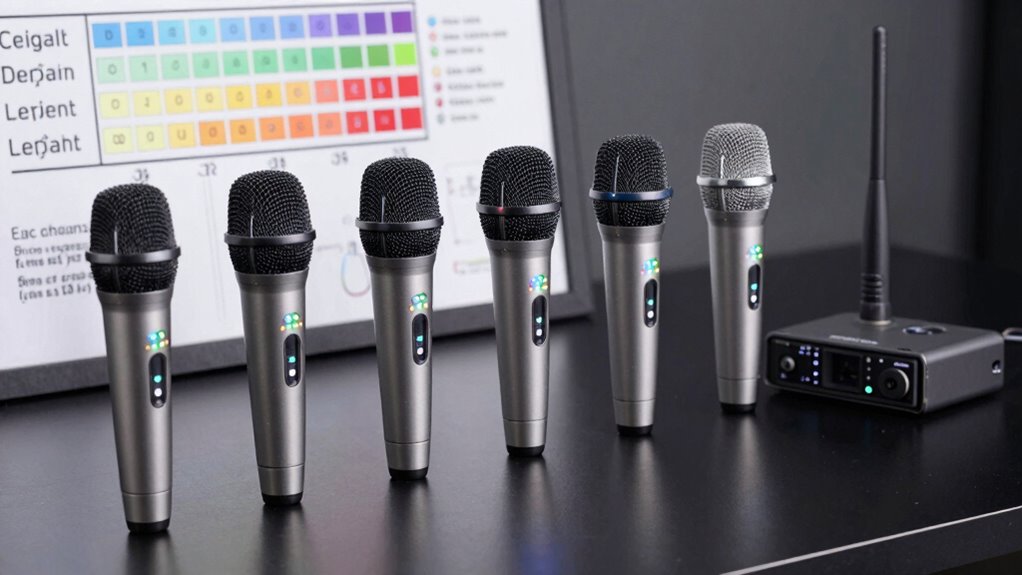
Understanding the legal rules for wireless mic frequencies is vital to guarantee your equipment operates without interference or legal issues. You must be aware of licensing requirements in your region, as some frequencies require official authorization, especially for commercial use. Many countries allocate specific frequency bands for wireless microphones, such as VHF and UHF, based on their designated frequency allocation plans. Using licensed frequencies without proper authorization can lead to fines or equipment confiscation. In most cases, personal or non-commercial users can operate within unlicensed frequency ranges, but it’s imperative to verify local regulations. Staying informed about these rules helps you avoid unintentional interference with other devices and ensures your performances remain legal and smooth. Additionally, understanding vetted frequency allocations can help you select the most reliable channels for your needs.
How Can You Minimize Interference During Performances?
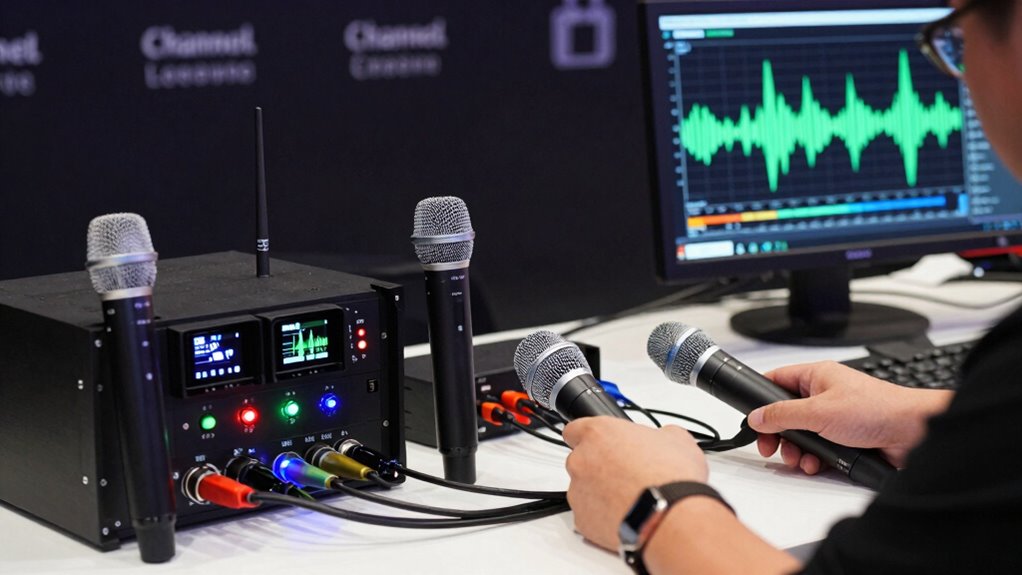
Are you looking to guarantee your wireless mic performs reliably without interruptions? To minimize interference during performances, focus on strategic antenna placement and regular frequency scanning. Proper antenna placement ensures your mic receives the best signal, avoiding dead spots or signal reflections. Keep antennas elevated and free from obstructions. Conduct frequency scans beforehand to identify clear channels and avoid crowded frequencies. Additionally, consider these tips:
- Position antennas away from metal objects and electronic devices
- Use diversity antennas to improve signal stability
- Switch to less congested frequencies based on scan results
- Maintain a safe distance from other wireless devices during the performance
- Be aware of wireless spectrum regulations to ensure legal operation and avoid interference with other devices
These steps help reduce dropouts and ensure your sound remains clear, giving you confidence on stage.
Troubleshooting Common Wireless Mic Issues Live
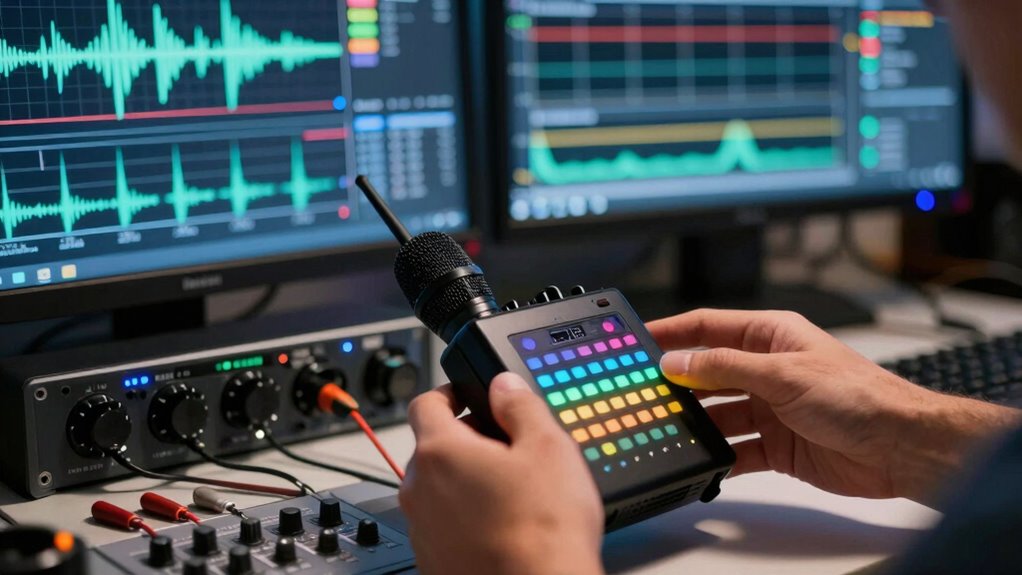
When your wireless mic starts acting up during a performance, it’s essential to quickly identify the cause. You’ll need to manage frequency conflicts and recognize signs of signal interference before they cause dropouts. Staying alert and prepared helps guarantee your sound stays clear and reliable throughout the event. Incorporating traditional techniques and materials in your setup can also improve overall signal stability and aesthetic appeal.
Identifying Signal Interference
How can you tell if signal interference is causing issues with your wireless mic? Look for sudden dropouts, crackling, or inconsistent audio. These symptoms often indicate interference from other devices or signal masking. To identify interference, check if the mic’s issues occur in specific locations or when certain equipment is nearby. You might also notice if changing channels temporarily improves sound quality. Devices using frequency hopping can unintentionally cause conflicts, leading to interference. Keep an eye out for these signs:
- Audio dropouts during performance
- Unexplained static or crackling sounds
- Changes when moving around the venue
- Interference from nearby wireless devices
- Hive health insights can help you understand environmental factors that may affect signal stability.
Managing Frequency Conflicts
Managing frequency conflicts is essential for maintaining clear and reliable wireless mic performance during live events. Proper frequency coordination ensures your mics don’t interfere with each other or with other wireless devices. Start by scanning the spectrum to identify available channels and avoid congested areas. Use spectrum management tools to allocate frequencies efficiently, especially in crowded venues. Adjust your mic channels to non-overlapping frequencies, and consider using a diversity receiver to minimize potential conflicts. Regularly monitor the spectrum during the event to detect unexpected interference. Being proactive with frequency coordination prevents dropouts and audio issues. Additionally, understanding recycled materials in gardening can aid in creating eco-friendly setups for outdoor events, reducing environmental impact. By staying organized and informed about spectrum management, you can troubleshoot conflicts quickly, ensuring your wireless mics perform seamlessly throughout the event.
Preventing Dropouts During Events
Even with careful frequency coordination, dropouts can still occur during live events due to unexpected interference, signal obstructions, or equipment issues. To prevent this, focus on proactive interference mitigation and maintaining solid connections.
- Regularly scan for interference sources before the event
- Use diversity antennas to improve signal reliability
- Keep transmitters and receivers within ideal range
- Minimize physical obstructions between mic and receiver
- Ensure your wireless system uses compatible and legally approved frequencies to avoid interference issues
Implementing these strategies helps ensure stable audio. Adjust frequencies as needed during setup to avoid interference hotspots. Test your system thoroughly beforehand, especially in the actual venue environment. Staying vigilant about potential interference sources and maintaining proper equipment placement can drastically reduce dropouts, creating a seamless experience for your audience.
What Are the Future Trends in Wireless Mic Technology?
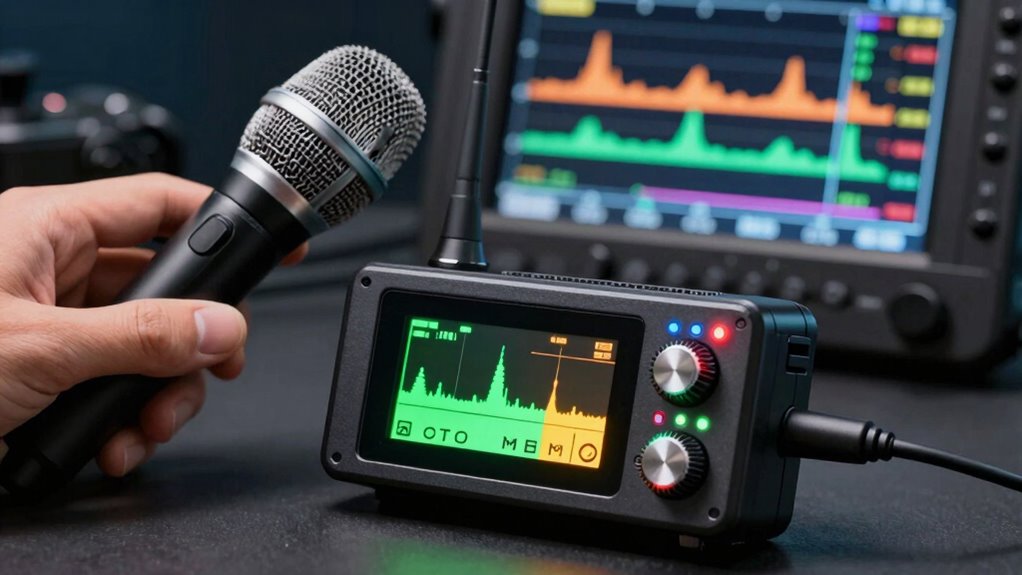
Advancements in wireless mic technology are rapidly shaping the industry’s future, driven by demands for better reliability, higher audio quality, and seamless integration. Wireless mic innovation focuses on developing more robust systems that adapt quickly to changing environments. Future frequency allocations will likely see increased use of digital transmission, offering clearer sound and reduced interference. Expect to see smarter antennas and adaptive frequency hopping that automatically find the best channels, minimizing dropouts. Integration with digital ecosystems will enable remote control and monitoring, making setups more efficient. As technology evolves, manufacturers will prioritize compact, lightweight designs without sacrificing performance. These trends aim to enhance user experience, ensuring wireless mics remain reliable and high-quality tools for professionals in all settings. Additionally, frequency management will become more sophisticated, allowing for better allocation and utilization of spectrum space to accommodate growing demand.
Why Sticking to Legal Frequencies Protects Your Equipment and Audience

As wireless microphone technology continues to evolve with new features and capabilities, it’s important to remember that operating within legal frequency ranges is essential for both your equipment’s performance and your audience’s experience. Sticking to legal frequencies ensures your gear remains compatible with local regulations and reduces the risk of interference. Proper frequency allocation minimizes signal dropouts and prevents disruptions during events. Using equipment designed for legal channels enhances reliability and safety. Additionally, understanding piercing care and hygiene can be crucial for event staff or performers who may have body piercings that require attention to prevent infections.
Frequently Asked Questions
How Do I Choose the Right Wireless Mic for My Event?
To choose the right wireless mic, start by considering your venue size and environment, which affect interference and range. Focus on frequency selection; pick a system that operates on legal channels and avoids crowded frequencies in your area. confirm the mic’s frequency range matches your venue’s needs, and check if it has features to minimize dropouts. Doing this helps you get clear sound and avoid interruptions during your event.
What Are the Signs of Interference With Wireless Microphones?
You’ll notice interference with your wireless microphone if you experience frequent dropouts, unexpected signal distortion, or audio cutting in and out. Signs like sudden static, crackling sounds, or inconsistent volume levels indicate potential issues. These problems often happen due to frequency jamming or other devices operating on the same or nearby channels. To fix this, check your frequency settings, switch channels, or move away from possible sources of interference for clearer audio.
Can I Use Illegal Frequencies Without Consequences?
You can try using illegal frequencies, but don’t expect to get away with it. While it might seem tempting to avoid legal channels, doing so risks severe legal consequences, including hefty fines and equipment seizure. Authorities actively monitor and crack down on illegal frequencies, so you’re playing a risky game. Better to stick with legal channels—your career and wallet will thank you for it.
How Often Should I Check and Update My Wireless Gear?
You should check and update your wireless gear regularly, ideally before each use or event. Maintain your batteries properly to avoid power issues and guarantee consistent performance. Also, perform frequency coordination to prevent dropouts and interference. Regularly reviewing your gear helps keep everything legal and functioning smoothly, reducing the risk of signal problems. Staying proactive with maintenance and updates ensures reliable operation and excellent audio quality every time.
Are There Specific Brands Known for Better Frequency Stability?
Did you know that some brands are rated higher for frequency stability by industry experts? When choosing wireless mics, you’ll want to take into account brand reputation, as top brands like Sennheiser, Shure, and Audio-Technica are known for better frequency stability. These brands invest heavily in research, ensuring your gear stays reliable during performances. Trusting reputable brands helps you avoid frustrating dropouts and keeps your audio crystal clear.
Conclusion
Sticking to legal wireless mic frequencies is crucial—did you know that over 90% of reported interference cases happen when users operate outside authorized bands? By understanding frequencies, avoiding dropouts, and following regulations, you guarantee smooth performances and protect your equipment. Staying informed about future tech trends can also give you an edge. Ultimately, choosing the right channels keeps your audio clear and your audience engaged, making every event a success.
Halloween Picks
halloween
As an affiliate, we earn on qualifying purchases.