
Capture cards only matter if your workflow matches their features and compatibility. You need to confirm that your hardware, software, and system setup align with the capture card’s requirements to avoid lag, dropped frames, or recognition issues. Proper integration ensures smooth streaming and efficient content creation. If your setup isn’t compatible, the quality and reliability suffer. Keep exploring, and you’ll uncover how to optimize your system and get the most out of your capture card.
Key Takeaways
- Capture cards are most beneficial when they align with your specific hardware and software setup needs.
- Proper workflow integration maximizes the features and performance benefits of a capture card.
- Incompatible workflows can lead to lag, dropped frames, or device recognition issues, reducing quality.
- Advanced features of capture cards are only useful if your streaming or recording process supports them.
- Evaluating your entire system ensures the capture card enhances, rather than hinders, your content creation process.

Capture cards can be powerful tools, but they only matter if your workflow is designed to leverage their strengths. When considering a capture card, the first thing you should check is hardware compatibility. Not all devices work seamlessly with every system. If your computer’s hardware isn’t compatible with the capture card—whether it’s the right ports, sufficient processing power, or supported operating system—you’ll run into issues that hinder your setup. A mismatch here can cause lag, dropped frames, or even complete failure to recognize the device. Before you buy, verify the specifications of both your hardware and the capture card to confirm they align. This step prevents frustration down the line and guarantees smooth operation.
Ensure hardware compatibility first to prevent lag, dropped frames, and recognition issues with your capture card.
Beyond hardware compatibility, software integration plays a critical role. Even if your hardware checks out, the software you use must work well with the capture card. Many capture cards come with proprietary software or are compatible with popular streaming and recording programs like OBS or Streamlabs. If the software isn’t well-integrated, you might face difficulties configuring settings, capturing high-quality video, or streaming smoothly. It’s essential that the capture card’s software interface meshes easily with your existing workflow. Otherwise, you’ll spend more time troubleshooting than creating content. Compatibility with your preferred editing or streaming tools ensures you can capture, edit, and broadcast without unnecessary hurdles. Content creation tools should seamlessly integrate with your hardware and software environment to maximize efficiency. Additionally, understanding your workflow design can help determine whether a basic or advanced capture solution is appropriate for your needs.
Your workflow’s design also matters. If you’re a casual streamer or gamer who only records occasionally, a basic capture card with straightforward setup might suffice. But if you’re producing professional content, you’ll need a device with advanced features that integrate seamlessly into your editing pipeline. The more your hardware and software are aligned, the more efficiently you can produce high-quality streams or recordings. The more your hardware and software are aligned, the more efficiently you can produce high-quality streams or recordings. When your setup is optimized, you’ll notice fewer delays, better synchronization, and more reliable output.
In short, a capture card’s value is only realized if your entire workflow is compatible and integrated. Hardware compatibility ensures your system can support the device’s demands, while software integration guarantees you can operate it effectively within your existing tools. If these elements aren’t aligned, even the best capture card won’t deliver the performance you need. So, before investing, take the time to evaluate your hardware and software environment. If everything fits together, you’ll access the full potential of your capture card and make your content creation process much smoother.

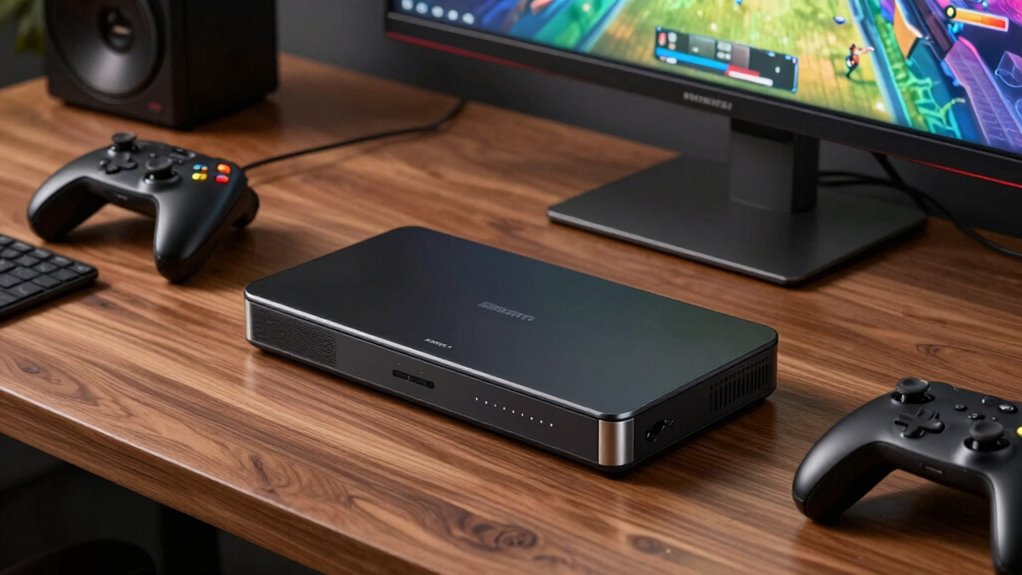
Guermok Video Capture Card, 4K USB3.0 HDMI to USB C, 1080P 60FPS & 2K 30FPS
- High-Resolution Video Capture: Supports 1080P 60FPS and 4K@30Hz input
- Low Latency Streaming: Ultra low latency for gaming and recording
- Universal Compatibility: Works with iPad, Mac, Windows, Quest 3, PS5/4, Switch, Xbox, Camera
As an affiliate, we earn on qualifying purchases.
As an affiliate, we earn on qualifying purchases.
Frequently Asked Questions
Do Capture Cards Work With All Gaming Consoles?
Capture cards work with most gaming consoles, but console compatibility varies depending on the device limitations. You’ll need to verify your capture card supports your specific console, whether it’s PlayStation, Xbox, or Nintendo. Some older or less common consoles may not be compatible due to hardware restrictions. Always check the specifications and compatibility list before purchasing to avoid issues, guaranteeing your setup works smoothly with your gaming system.
Can I Use a Capture Card for Streaming on Mobile Devices?
You can use a capture card for mobile streaming, especially with wireless capture options. Wireless capture lets you transmit gameplay directly to your device without cumbersome cables, making mobile streaming more manageable. Just make certain your capture card supports wireless connections or is compatible with mobile adapters. With the right setup, you’ll seamlessly stream your gameplay on mobile devices, making your streams smooth, simple, and super convenient—no matter where you are.
What Are the Minimum System Requirements for Using a Capture Card?
To use a capture card, you need compatible hardware and meet software requirements. Your system should have a USB or HDMI port that supports the capture card, along with sufficient processing power—at least a quad-core CPU and 8GB RAM. Make certain your operating system is compatible, usually Windows 10 or newer, and that you install the necessary drivers and streaming software. This guarantees smooth streaming and reliable performance.
Are There Any Latency Issues With Capture Cards?
Latency issues can be a concern, but most modern capture cards offer excellent performance, with delays often under 16 milliseconds. That’s fast enough for smooth gameplay and streaming. If you experience latency, focus on troubleshooting signal compatibility and connection quality. Ensuring your hardware and software are optimized helps minimize lag. Remember, good latency troubleshooting can improve your experience, making capture cards a reliable tool for content creators and gamers alike.
How Do I Choose the Best Capture Card for My Setup?
To choose the best capture card for your setup, start by checking capture card compatibility with your devices and software. Consider your budget, balancing features with cost. Think about resolution and frame rate support, ensuring it meets your streaming or recording needs. Read reviews to gauge reliability and latency performance. Ultimately, pick a card that fits your workflow and offers the best value within your budget constraints.
Conclusion
If your workflow doesn’t align with what capture cards offer, then they’re just another gadget gathering dust. Don’t put the cart before the horse—make sure these devices fit seamlessly into your setup and goals. Otherwise, you’ll be spinning your wheels for no good reason. When you choose tools that match your needs, you’ll find yourself sailing smoothly rather than banging your head against the wall. It’s all about working smarter, not harder.