Your live streaming switcher only demonstrates its full potential when your entire production process is ready. Proper setup, from camera integration and signal routing to streaming infrastructure, guarantees smooth, professional broadcasts. Without solid preparation, even the best switcher can’t perform at its peak. Get everything organized — test your equipment, optimize workflows, and confirm your setup works seamlessly. If you want to unleash your switcher’s true power, there’s more to discover below.

Get business pricing on office and shipping supplies
- Business-only prices and quantity discounts
- Tax-exempt purchasing
- Multiple users, one account, clear invoices
Key Takeaways
- Proper workflow and equipment compatibility are essential for switchers to fully utilize their capabilities.
- Seamless camera integration ensures high-quality feeds and professional switching.
- Organized signal routing reduces technical issues and maintains stream stability.
- Reliable internet and encoder setup are crucial for consistent live streaming quality.
- Overall readiness allows switchers to handle unexpected challenges confidently and deliver polished broadcasts.
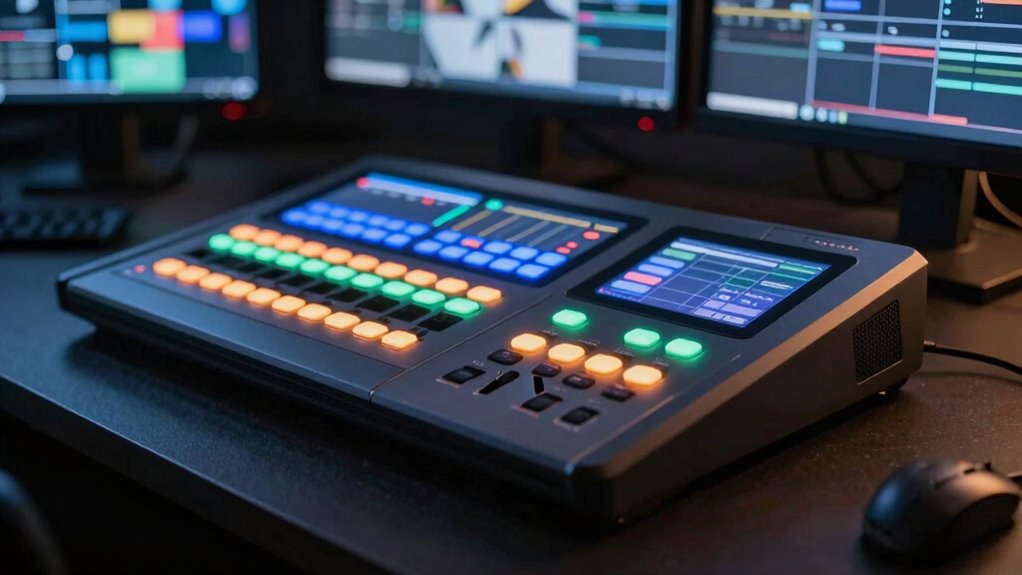
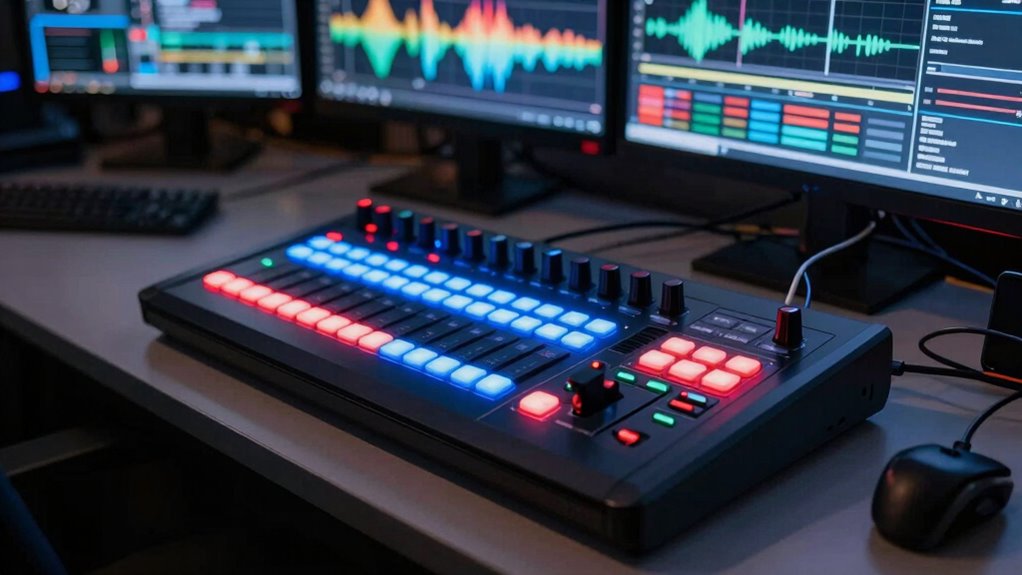
Live streaming switchers are crucial tools that enable you to seamlessly switch between multiple video sources during a live broadcast. They serve as the core of your production setup, allowing you to create a dynamic and professional stream. However, their true potential only unfolds when your process is properly prepared. Without a solid foundation, even the most advanced switcher can’t deliver its full capabilities. Before investing in a high-quality live streaming switcher, you need to guarantee your workflow is streamlined, your equipment is compatible, and your technical setup is solid.
Live streaming switchers are essential for professional broadcasts, but only perform well with proper preparation and setup.
One of the critical aspects of readiness is understanding camera integration. Your switcher should easily connect with all your cameras, whether they’re professional broadcast cameras, webcams, or mobile devices. Proper camera integration means your switcher can receive high-quality feeds with minimal lag or technical issues. It’s also important to verify that your cameras support the necessary video formats and resolutions. When your cameras are well-integrated, switching between them becomes smooth and reliable, helping you maintain a professional flow during your broadcast.
Signal routing is another essential component to get right before you start switching live. Efficient signal routing ensures that each video feed is correctly directed to the switcher and then to your streaming platform. It involves organizing your video sources, managing your cabling, and configuring your switcher’s input and output channels. When your signal routing is clear and well-managed, you reduce the risk of feed disruptions, audio-video mismatches, or latency issues. This clarity allows you to focus on delivering engaging content rather than troubleshooting technical glitches mid-broadcast. Ensuring proper signal routing also involves understanding how to manage potential points of failure and redundancy to prevent interruptions during critical moments. Additionally, understanding your video formats can help prevent compatibility issues that may arise during live switching. Having a clear understanding of video format compatibility is essential for smooth transitions and avoiding unexpected technical disruptions.
Your process also needs to include a thorough understanding of your streaming setup. This involves testing your internet connection, ensuring your encoder is configured correctly, and verifying that your audio sources are synchronized with your video feeds. The more prepared you are, the more confidently you can use your switcher to create a polished, professional broadcast. Remember, a live production demands quick decisions and flawless execution; a well-organized process gives you the confidence to switch seamlessly and respond to any unexpected changes. Additionally, ensuring your camera integration supports the necessary formats will prevent potential compatibility issues during live switching.
In essence, live streaming switchers only truly shine when your entire process is ready—your camera integration is seamless, your signal routing is efficient, and your technical infrastructure is solid. When these elements are in place, your switcher becomes a powerful tool that elevates your live broadcasts from simple streams to engaging, professional productions. Preparation isn’t just a step; it’s the foundation that allows your switcher to do its best work, ensuring your audience experiences a smooth, engaging live event.
As an affiliate, we earn on qualifying purchases.
Frequently Asked Questions
What Are the Most Important Features to Look for in a Live Streaming Switcher?
When choosing a live streaming switcher, prioritize features like flexible camera angle switching and built-in audio mixing. These allow you to seamlessly shift between shots and guarantee clear, balanced sound without extra equipment. Look for user-friendly controls and reliable performance, so your stream stays smooth even during complex scenes. With these features, you’ll create professional-quality broadcasts that captivate your audience and make your content stand out.
How Do Live Streaming Switchers Integrate With Other Production Equipment?
Think of your live streaming switcher as the hub of your production, seamlessly connecting with other gear. You’ll want to guarantee it integrates smoothly via signal routing, allowing you to direct feeds effortlessly. Camera calibration is key for consistent image quality across devices. When these elements work together, your switcher becomes a powerhouse, transforming complex setups into a synchronized dance, making your production look polished and professional.
What Are Common Troubleshooting Issues With Live Streaming Switchers?
You might face troubleshooting issues with live streaming switchers like camera calibration errors or signal latency. To fix camera calibration, double-check your camera settings and guarantee proper lens adjustments. For signal latency, verify your connection quality and reduce network congestion. Regularly test your equipment, update firmware, and monitor signal flow to spot issues early. Ensuring all components are synchronized and properly configured helps your switcher perform smoothly.
Can Live Streaming Switchers Be Used for Remote Broadcasts?
Yes, you can use live streaming switchers for remote broadcasts. They’re designed to facilitate remote production by allowing you to mix multiple feeds from different locations. However, make sure your network reliability is solid, as unstable connections can cause glitches or delays. A reliable internet connection and proper setup are essential for smooth remote broadcasts, enabling you to deliver high-quality live streams without interruption.
What Is the Typical Learning Curve for Operating a Live Streaming Switcher?
Isn’t it frustrating when your live stream doesn’t look professional? The typical learning curve for operating a live streaming switcher varies based on content complexity and your skill development. If you’re new, expect a few hours to grasp basic functions, but mastering advanced features takes weeks or months. Practice consistently, and you’ll gain confidence and control, transforming your broadcasts into seamless, engaging experiences that captivate your audience.
Conclusion
To make the most of your live streaming switcher, you need a well-prepared process—without it, it’s like trying to steer a ship without a map. When your setup is ready, the switcher becomes a powerful tool that seamlessly ties everything together, turning chaos into clarity. Remember, a top-tier switcher is only as good as the foundation beneath it. Prepare your process first, and your live streams will shine brighter than a lighthouse in the night.
Fall Picks
fall essentials
As an affiliate, we earn on qualifying purchases.