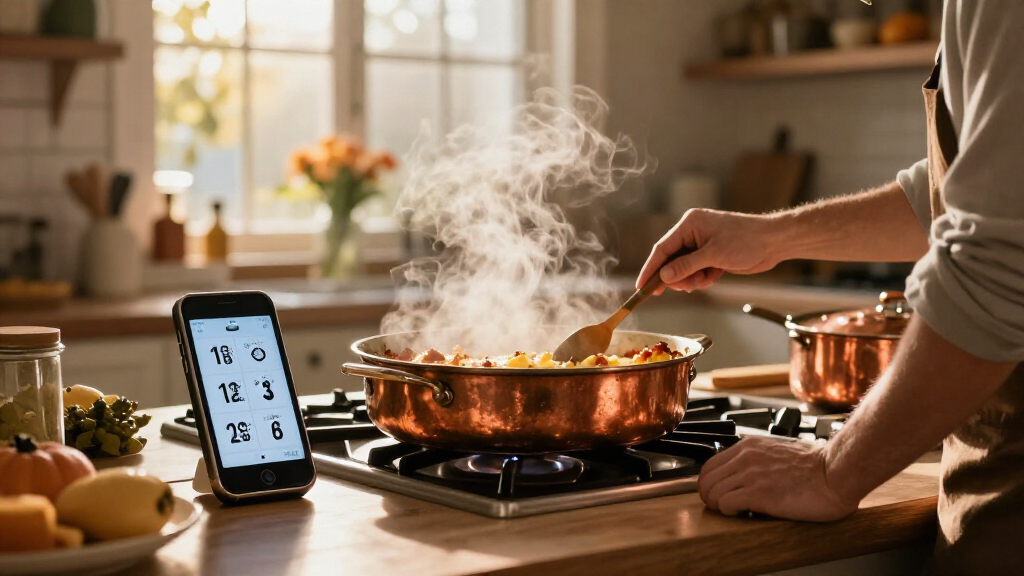

🔍 Read the full analysis: AI-Powered Kitchen Timers: Keeping Thanksgiving Dishes On Schedule on ThorstenMeyerAI.com

Get business pricing on office and shipping supplies
- Business-only prices and quantity discounts
- Tax-exempt purchasing
- Multiple users, one account, clear invoices
TL;DR
AI-powered kitchen timers can interpret spoken requests, label multiple countdowns and, in some products, suggest timers from recipes. Their usefulness depends on clear confirmations, reliable alerts and offline behavior; they cannot determine whether food is safely cooked.
AI-powered kitchen timers can interpret spoken cooking requests, manage separate countdowns and, in some products, suggest reminders from recipe steps, according to a consumer guide from ThorstenMeyerAI.com. The guide says these tools may ease the juggling involved in preparing several dishes, but warns that voice recognition can fail and a timer cannot confirm food is safely cooked.
The term “AI-powered” covers a range of functions. Some systems recognize a spoken instruction and set a timer; others may label multiple countdowns, respond to changes or connect recipe instructions to suggested alerts. A device being connected to Wi-Fi does not, by itself, establish that it uses AI. Shoppers need to check the manufacturer’s feature list to learn what a particular product actually does.
For example, a cook might ask for a nine-minute pasta timer and a separate reminder to check the sauce in five minutes. A system that keeps those tasks distinct and labels each alert could make it easier to know what needs attention. The guide recommends checking the screen or spoken confirmation, especially in a noisy kitchen, where an accent, running water or an extractor fan could affect what the assistant hears. It also advises checking whether timers can be paused, changed or dismissed independently.
Some recipe tools may convert instructions into suggested alerts, but the guide says cooks should review those suggestions before starting. Recipe wording may not specify when a timer should begin, and suggested steps may need adjustment for the cook’s equipment or method. Product capabilities can also depend on software versions, region, compatible devices or a paid subscription, so current manufacturer documentation matters.
Check what a product actually does: voice control and Wi-Fi alone do not prove it uses AI.
Use clear timer names, review spoken commands, and confirm recipe-generated alerts before cooking.
Compare alert options, timer adjustments, offline use, privacy controls, and total cost.
Treat recipe timers as reminders to check; use a food thermometer when safe temperature matters.
Keeping Several Dishes on Track
For cooks preparing multiple dishes at once, the practical benefit is less switching between tasks and controls. A spoken request can start a countdown without requiring someone to handle a phone with wet or flour-covered hands. Clear labels can also make overlapping alerts easier to interpret: a beep identified as “vegetables” is more useful than an alert that leaves the cook guessing.
That benefit depends on the system getting the instruction right and delivering the alert at the right time. A misheard duration or an unlabeled notification can add confusion rather than reduce it. The guide’s advice is to treat confirmation and easy corrections as core features, not minor extras. A simple, dependable timer may be more useful during a busy meal than a more elaborate assistant that is difficult to check or adjust.
There is also a limit to what a countdown measures. Elapsed time is not a safety check: the timer cannot establish that a roast, casserole or other dish has reached a safe internal temperature. Cooks still need to follow appropriate recipe instructions and use suitable checks for doneness and food safety.
Popular right now

Ninja Foodi DZ401 DualZone XL Air Fryer, 10 Qt, 6-in-1, Grey

Bose QuietComfort Headphones (2nd Gen), Wireless Over-Ear Noise-Cancelling Headphones, Black

KitchenAid Artisan 5-Quart Tilt-Head Stand Mixer, Almond Cream
As an affiliate, we earn on qualifying purchases.
From Voice Commands to Recipe Suggestions
The guide describes kitchen timers as part of a broader set of voice assistants, smart displays and recipe services. At the simpler end, a product may recognize a fixed timer command. More flexible tools may interpret conversational requests or connect recipe steps with reminders. Those capabilities are not interchangeable, and the label “AI” does not indicate how accurately a device handles them.
ThorstenMeyerAI.com says its overview reflects the broad direction of assistant and recipe features through mid-2024, when conversational and generative AI functions were being added to existing services. That date is a limit on the guide’s product context, not confirmation that a specific feature remains available today. The source does not identify a particular timer model or provide comparative performance testing, prices or measured accuracy rates.
Accuracy, Connectivity and Food Safety
The guide does not establish how often AI timers misunderstand commands, which models perform best or whether one brand is more reliable than another. Product-specific performance remains unclear, as do current prices, subscription requirements and the availability of features across regions. Those details should be verified in current product documentation rather than assumed from a general AI label.
Connectivity is another variable. A cloud-dependent assistant may behave differently during an internet outage, while an ordinary countdown may still work offline; the guide recommends checking this before purchase. It does not provide a tested list of devices that retain timer functions without a connection. Regardless of connectivity, a timer alert only signals that a period has elapsed—it does not verify temperature, doneness or food safety.
Check Features Before Cooking
Before buying, compare whether a timer supports named countdowns, clear confirmations, independent adjustments, audible or visible alerts and offline operation. Check whether recipe suggestions require a subscription or compatible device, and consult the manufacturer’s current documentation because software features can change after purchase.
Before relying on a new system for a full meal, test it with a low-stakes task. Set two labeled timers, confirm their durations, adjust one without changing the other, and see how alerts work if the internet is unavailable. Keep a basic phone or manual timer as a backup. For cooking itself, follow recipe guidance and use appropriate doneness checks rather than treating an AI-generated schedule as a guarantee.
Key Questions
What does an AI-powered kitchen timer do?
Depending on the product, it may interpret spoken requests, create or label multiple timers, or suggest alerts based on recipe steps. Features vary by device; check the manufacturer’s description rather than relying on the AI label alone.
Can a kitchen timer tell whether food is safe to eat?
No. A timer tracks elapsed time and may remind you to check a dish, but it cannot confirm internal temperature or food safety. Use suitable doneness checks and follow reliable cooking guidance.
Will an AI timer work without internet access?
That depends on the product and which function you use. Some features may rely on a cloud connection, while basic countdowns may remain available. Check offline behavior in current product documentation and test it before relying on the device.
How can I reduce mistakes when setting several timers?
Give each countdown a clear food or task name, verify its duration on the screen or through a spoken repeat, and adjust one timer at a time. Keep a backup timer available in case a command or alert fails.
Source: ThorstenMeyerAI.com