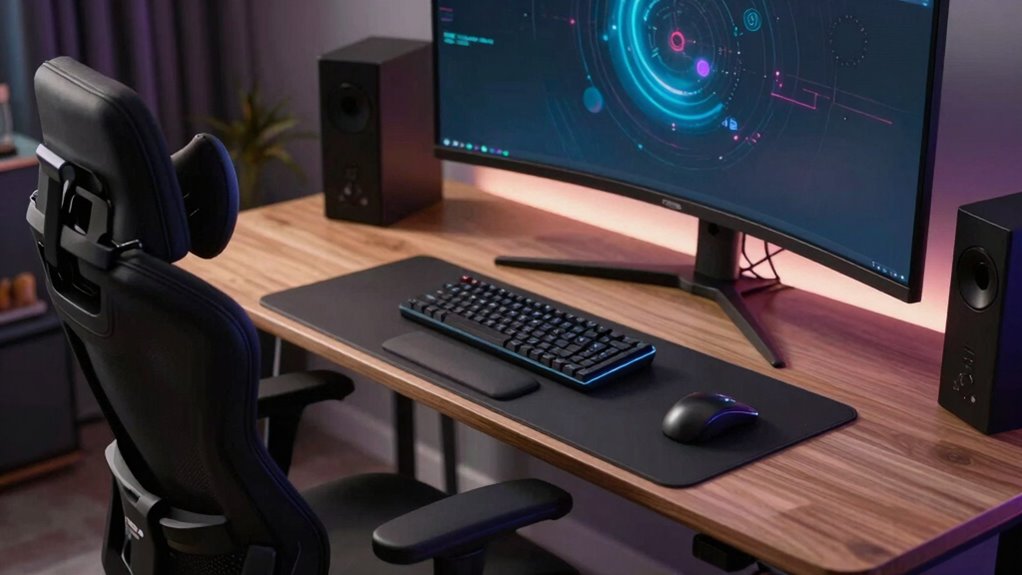

Your health and gaming performance depend more on ergonomic setup than on RGB lighting. Proper positioning of your monitor, chair, keyboard, and accessories helps prevent discomfort, pain, and long-term health issues. While RGB may make your setup look cool, it doesn’t support your body during long hours of gaming. Prioritizing ergonomic features keeps you comfortable and focused for the long haul. Stay with us to discover how a healthy setup can improve your gaming experience.
Key Takeaways
- Ergonomics directly impacts health, preventing pain and injuries from long gaming sessions, unlike RGB lighting which is purely aesthetic.
- Proper ergonomic setup enhances comfort and performance, ensuring sustained gaming without fatigue or discomfort.
- Investing in ergonomic furniture and accessories supports long-term well-being, reducing risks of chronic musculoskeletal issues.
- Good ergonomics adapts to individual needs, promoting better posture and preventing physical strain over time.
- Aesthetic features like RGB lighting do not influence health or comfort, making ergonomics more crucial for sustainability.
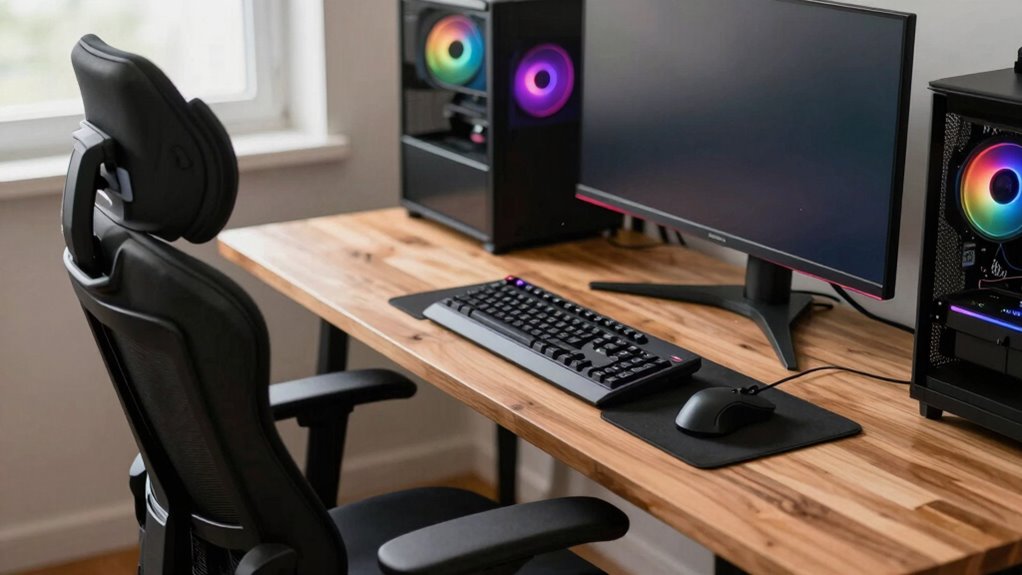
While eye-catching RGB lighting can make your gaming setup look impressive, prioritizing ergonomics is far more important for your health and performance. When you spend hours immersed in gaming, your posture and comfort directly influence your personal health and ability to perform at your best. If your setup isn’t ergonomically sound, you risk developing chronic pain, repetitive strain injuries, and long-term health issues that can affect your gaming and daily life. Focusing solely on aesthetics might give your space a cool look, but it won’t save you from the physical toll of poor posture or uncomfortable equipment.
Good ergonomics means designing your gaming environment to support your body in a natural, relaxed position. Properly adjusted chairs, desks, and monitor placement help you maintain good posture, reducing strain on your neck, shoulders, wrists, and back. It might not seem as flashy as LED lights, but these adjustments promote long-term comfort, allowing you to game for hours without feeling fatigued or experiencing discomfort. Comfort isn’t just a luxury—it’s a necessity if you want to maintain focus and avoid health issues down the line. Ergonomic design plays a vital role in supporting your physical well-being during extended gaming sessions.
Proper ergonomic setup ensures long-lasting comfort and health during gaming sessions.
Your monitor should be at eye level to prevent neck strain, and your chair needs to support your lower back for extended periods. An ergonomic chair encourages good posture, preventing slouching or leaning forward, which can cause pain over time. Your keyboard and mouse should be positioned so your wrists stay straight, minimizing the risk of repetitive strain injuries like carpal tunnel syndrome. These considerations might not seem as exciting as vibrant lighting, but they’re essential to ensuring your gaming setup supports your physical well-being. Additionally, understanding ergonomic principles can help you make more informed decisions when customizing your gaming environment. Incorporating ergonomic accessories such as wrist rests or footrests can further enhance comfort and reduce strain during long gaming sessions. Moreover, recognizing the importance of personalized fit ensures that your setup adapts to your specific body needs, further reducing discomfort.
Investing in an ergonomic setup isn’t just for immediate comfort; it’s about protecting your personal health long term. Poor ergonomics can lead to chronic pain, decreased productivity, and even more serious health complications if left unaddressed. Making sure your workspace includes adjustable furniture can help you adapt your setup as your needs change over time. Prioritize adjustable, supportive furniture and ergonomically designed peripherals. These upgrades might seem less glamorous than RGB lighting, but they ensure you can game comfortably for years to come. Ultimately, you’ll enjoy your gaming sessions more when you’re not distracted by aches and pains, and you’ll preserve your health for the future. Remember, a setup that looks good is great, but a setup that makes you feel good and keeps you healthy is invaluable.

Gaming Chair for Adults with Footrest, Ergonomic Computer Chair, 330 lb
- Wide Seat with Supportive Cushion: 52cm wide seat with 4-layer cushion
- Ergonomic Support for Neck & Waist: Adjustable pillows for comfort and support
- Linked Armrests for Reclining: Armrests move with backrest for natural arm position
As an affiliate, we earn on qualifying purchases.
As an affiliate, we earn on qualifying purchases.
Frequently Asked Questions
How Can I Improve My Gaming Posture Effectively?
You can improve your gaming posture by paying attention to hand positioning and chair adjustments. Keep your wrists straight and elbows close to your body while gaming. Adjust your chair so your feet rest flat on the floor and your knees are at a 90-degree angle. Make certain your monitor is at eye level to reduce neck strain. Regular breaks and stretches also help maintain good posture during long gaming sessions.
What Are the Long-Term Health Risks of Poor Ergonomics?
Poor ergonomics can lead to long-term health risks like musculoskeletal disorders, causing chronic pain or joint issues. You might also experience visual strain from improper screen positioning, leading to headaches and eye fatigue. Over time, ignoring ergonomic principles can diminish your gaming performance and overall well-being. Prioritizing good posture and proper setup helps prevent these issues, ensuring you stay comfortable and healthy during extended gaming sessions.
Are Ergonomic Gaming Accessories Worth the Investment?
Yes, ergonomic gaming accessories are worth the investment, even if they don’t boast flashy RGB customization. While gaming aesthetics and RGB lighting enhance your setup’s look, prioritizing ergonomics improves comfort, reduces strain, and prevents long-term health issues. Investing in a supportive chair, ergonomic keyboard, or mouse helps you game longer and maintain better posture. Ultimately, comfort and health outweigh the allure of RGB effects, making ergonomic accessories a smart choice.
How Does Ergonomics Influence Gaming Performance?
Ergonomics directly influences your gaming performance by reducing discomfort and preventing fatigue, allowing you to stay focused longer. When your setup supports proper posture, your reaction time improves because you’re less distracted by pain or strain. Good ergonomics also minimizes gaming triggers like wrist or neck strain, helping you respond faster and more accurately. Ultimately, a comfortable gaming environment enhances your overall reaction time and sharpens your gameplay.
What Are Quick Tips for an Ergonomic Gaming Setup?
To create an ergonomic gaming setup, start with chair adjustments—ensure your back is well-supported, feet flat on the ground, and knees at a 90-degree angle. Optimize lighting to reduce glare and eye strain. Position your monitor at eye level, keeping your neck straight. Regularly take breaks, stretch, and adjust your lighting and chair to stay comfortable during long gaming sessions. These tips help prevent strain and improve focus.
Conclusion
So, next time you’re customizing your gaming setup, think beyond the flashy RGB lights. Imagine a setup that not only looks cool but keeps you comfortable, alert, and ready for those long gaming sessions. The real game-changer isn’t the colors—it’s your health and focus. Are you willing to risk it all for a quick aesthetic fix, or will you prioritize the setup that keeps you at your best? The choice is yours.