Gimbals are great tools that stabilize footage by counteracting unwanted movements and vibrations, helping you achieve smooth and professional-looking shots. However, overusing or poorly balancing a gimbal can make your footage look stiff, robotic, and unnatural, which might distract viewers or reduce realism. To avoid this, focus on natural movements and proper technique. If you want to learn how to recognize when stabilization enhances or harms your footage, keep exploring this topic further.
Key Takeaways
- Gimbals effectively stabilize footage during movement, preventing shakiness and resulting in smooth, professional-looking shots.
- Over-stabilization can make footage appear robotic or unnatural by eliminating subtle human motions.
- Proper balancing and gentle movements help maintain natural footage, avoiding stiffness caused by excessive stabilization.
- Selecting the right gimbal depends on camera weight, environment, and shooting style for optimal stabilization.
- Combining manual techniques with gimbals enhances authenticity and prevents footage from looking artificially smooth.

DJI RS 3 Mini, 3-Axis Gimbal Stabilizer for Cameras Canon/Sony/Panasonic/Nikon/Fujifilm, 2 kg (4.4 lbs) Tested Payload, Camera Gimbal with Native Vertical Shooting, Black
795g (1.75lbs) Lightweight and Portable – DJI RS 3 Mini is an ultra-compact gimbal stabilizer for camera convenient…
As an affiliate, we earn on qualifying purchases.
As an affiliate, we earn on qualifying purchases.
How Do Gimbals Stabilize Your Footage and Why It Matters

Gimbals stabilize your footage by actively counteracting unwanted movements and vibrations as you shoot. Proper camera balancing is essential; if your camera isn’t balanced, the gimbal’s motors work harder, increasing motor noise and reducing stabilization efficiency. When balanced correctly, the gimbal’s sensors detect tiny shifts, prompting the motors to adjust swiftly and smoothly, keeping your shot steady. This active stabilization prevents shaky footage that can distract viewers and diminish professionalism. The motors continuously compensate for your hand movements, making your footage look smooth and polished. Without proper balancing, you risk excessive motor noise and less effective stabilization. Ultimately, understanding how gimbals work helps you maximize their benefits, ensuring your shots are stable, natural, and free of distracting vibrations. Regularly maintaining your equipment is also crucial for optimal performance and longevity.

AOCHUAN Smart X3 360° Pan Rotation Gimbal Stabilizer for iPhone, Magnetic Remote Control, 3-Axis Stabilizer w/Built-in Extension Rod & One-Touch Open Tripod, Foldable Phone Gimbal for Vlogging, Travel
360° Infinite Pan Tracking: Featuring unlimited 360° panning, this tracking gimbal continuously follows your movements and keeps you…
As an affiliate, we earn on qualifying purchases.
As an affiliate, we earn on qualifying purchases.
How to Tell if Gimbal Stabilization Looks Natural in Your Shots
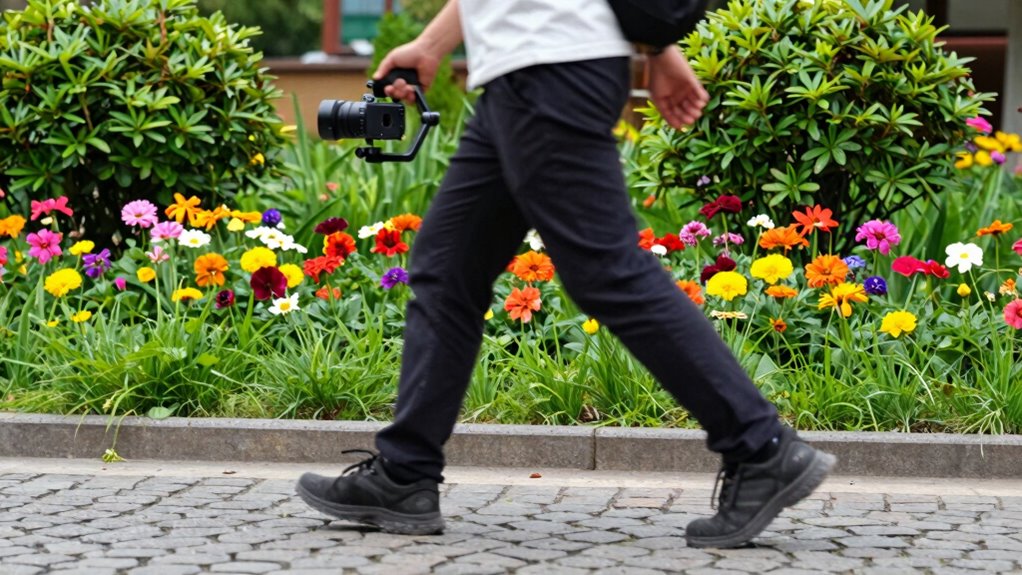
To see if your gimbal stabilization looks natural, watch for smooth, fluid motion without jerks or excessive wobbling. Make sure your shots stay consistent in style and movement, avoiding sudden or jarring changes. Also, consider whether the stabilization suits the scene’s context, enhancing the story rather than distracting from it. Paying attention to digital content formats can help you understand how different stabilization techniques influence viewer perception.
Smoothness of Motion
When evaluating the smoothness of motion in your shots, pay close attention to how natural and fluid the camera movements appear. If your footage has minimal camera shake and looks steady, the stabilization is working well. However, overly smooth or robotic movements can seem unnatural, so aim for a balance that preserves some human imperfection. Also, consider shot composition—smooth motion should complement your framing without distracting from the subject. If your gimbal’s movements feel jerky or exaggerated, it may cause the shot to look fake. Consistent, subtle adjustments help create a natural flow, making your footage more engaging. Additionally, understanding how contrast ratio impacts image quality can help you better assess the visual authenticity of your footage in different lighting conditions. Ultimately, the goal is to keep motion fluid without sacrificing the authenticity of your camera work.
Consistency in Shots
Achieving consistent shots with natural-looking stabilization depends on how smoothly your gimbal maintains steady movement throughout your footage. To guarantee authenticity, focus on maintaining creative framing without abrupt shifts that can distract viewers. Consistent motion allows your shots to feel seamless, emphasizing the scene rather than the stabilization process. Keep your camera movements deliberate, avoiding sudden jerks or overly mechanical motions. After filming, use color grading to enhance the mood and unify the visual style, which can also mask minor inconsistencies. When your footage flows smoothly and your framing remains purposeful, viewers won’t notice the stabilization. This harmony between steady motion, thoughtful framing, and post-production polish helps your shots look natural and professional rather than fake or overly processed. Incorporating high-quality accessories such as protective covers and gear upgrades can also help maintain your equipment’s performance, ensuring smooth operation and reliable stabilization throughout your shoot.
Contextual Appropriateness
Determining if your gimbal stabilization looks natural often comes down to how well the motion integrates with the scene’s context. If the movement feels out of place, it can appear as artificial motion or distract viewers. To avoid this, consider these points:
- Match camera motion to the scene’s energy and pace
- Use subtle movements for intimate or serious moments
- Limit unnecessary or exaggerated motions
- Avoid overly smooth shots that seem unnatural
- Consider stylistic choices that enhance storytelling without sacrificing realism
- Natural motion can be achieved by understanding how different scenes benefit from varying stabilization techniques and motion styles
DJI RS 3 Mini, 3-Axis Gimbal Stabilizer for Cameras Canon/Sony/Panasonic/Nikon/Fujifilm, 2 kg (4.4 lbs) Tested Payload, Camera Gimbal with Native Vertical Shooting, Black
795g (1.75lbs) Lightweight and Portable – DJI RS 3 Mini is an ultra-compact gimbal stabilizer for camera convenient…
As an affiliate, we earn on qualifying purchases.
As an affiliate, we earn on qualifying purchases.
Signs Your Gimbal Might Be Making Your Footage Look Fake
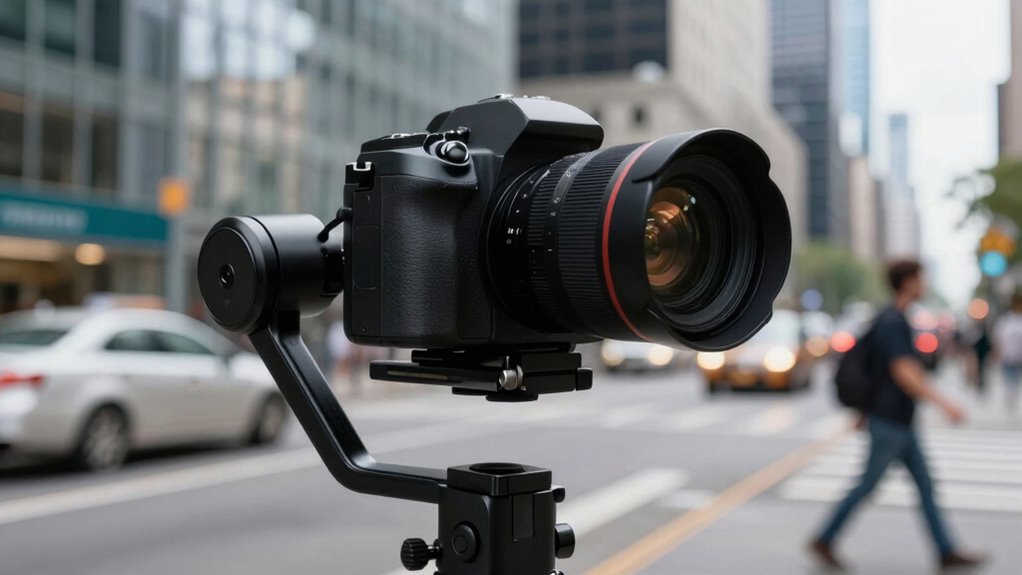
If your footage looks unnaturally smooth or exhibits odd, robotic movements, your gimbal might be the culprit. Over-reliance on stabilization can make your footage appear fake, especially if it smooths out every tiny shake too perfectly. When using manual stabilization or handheld techniques, slight imperfections add authenticity, but a gimbal can eliminate all natural movement, creating an unnatural feel. If your shots lack the subtle variations you’d expect from human motion, it’s a sign your gimbal might be overdoing it. Pay attention to robotic jerks or overly perfect pans. To avoid this, try mixing gimbal use with manual stabilization techniques, allowing some natural shake and variability. This balance helps your footage look more genuine and less artificially perfect. Additionally, understanding the architecture of stabilization can help you optimize your shooting approach for more natural results.
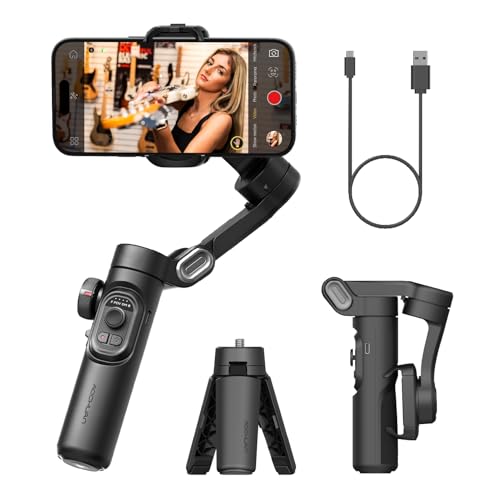
AOCHUAN Phone Gimbal Stabilizer 3-Axis Smartphone Foldable Handheld Gimbal for iPhone with Focus Wheel TikTok YouTube Vlog Stabilizer for iPhone17 16 15 14 13 Pro Max Android-Smart XE
[Powerful and Versatile 3-Axis Foldable Gimbal Stabilizer for Smartphones.]More powerful than any other smartphone gimbal, works well and…
As an affiliate, we earn on qualifying purchases.
As an affiliate, we earn on qualifying purchases.
What Factors Should You Consider Before Relying on a Gimbal (Camera, Environment, Budget)
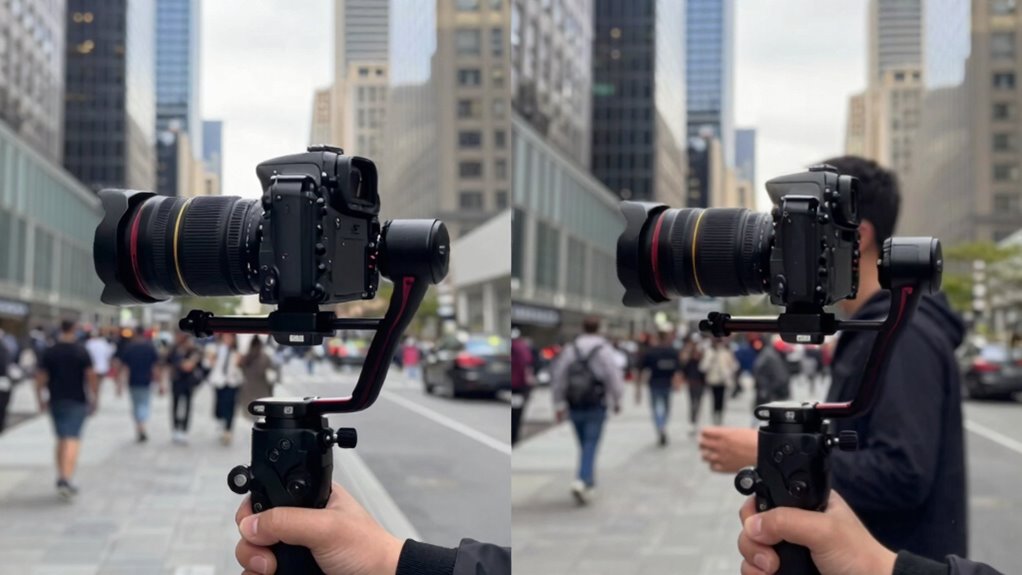
Before choosing a gimbal, you need to take into account if your camera is compatible and how it will perform in different environments. Your budget also plays a key role in selecting the right model and features. By evaluating these factors, you can make sure your gimbal will meet your filming needs effectively.
Camera Compatibility Considerations
When selecting a gimbal, you need to take into account whether your camera is compatible with respect to size, weight, and mounting options, since not all gimbals support every camera type. Consider lens compatibility, as some gimbals may struggle with larger or specialty lenses, affecting stability. Battery life is also vital, especially for extended shoots, so check how long the gimbal’s batteries last and if they’re replaceable or rechargeable. Additionally, verify the gimbal’s payload capacity to guarantee it can handle your camera’s weight. Compatibility with accessories like microphones or monitors can enhance your setup. Lastly, confirm the gimbal’s mounting options suit your camera’s form factor to avoid balance issues and guarantee smooth operation.
Environmental Challenges and Budget
Environmental conditions and your budget considerably influence your choice of gimbal. If you frequently shoot outdoors with challenging lighting conditions, look for models with good low-light performance and sturdy build quality. Rugged environments demand durable, weather-resistant gimbals that can withstand dust, rain, or rough handling. Your operator skill also plays a role; beginners might prefer simpler models with intuitive controls, while experienced users can handle more advanced features. Budget constraints limit your options—high-end gimbals offer superior stabilization but come at a higher cost, whereas budget options may sacrifice some performance. Assess your typical shooting conditions and skill level to choose a gimbal that balances environmental resilience, ease of use, and affordability, ensuring it meets your specific needs without overextending your resources. Understanding different gimbal types can help you make a more informed decision.
Tips for Achieving Smooth, Natural Shots Without Over-Stabilizing

Achieving smooth, natural shots with a gimbal requires a delicate balance—over-stabilizing can make footage look stiff or robotic. To avoid this, rely on manual techniques to add a human touch and maintain a sense of movement. Focus on maintaining handheld stability by keeping your arms close to your body and moving smoothly. Practice gentle, controlled motions instead of rigid, fast movements. Use your legs and core to absorb shocks, reducing the need for excessive stabilization. Additionally, incorporate these tips:
- Keep a relaxed grip on the gimbal handle
- Use slow, deliberate movements
- Avoid overcorrecting your position
- Pay attention to your breathing for steadiness
- Practice short, fluid shots to enhance realism
Balancing stabilization with natural motion results in footage that feels authentic and engaging.
Gimbals vs. Other Stabilization Techniques: Which Is Right for You?
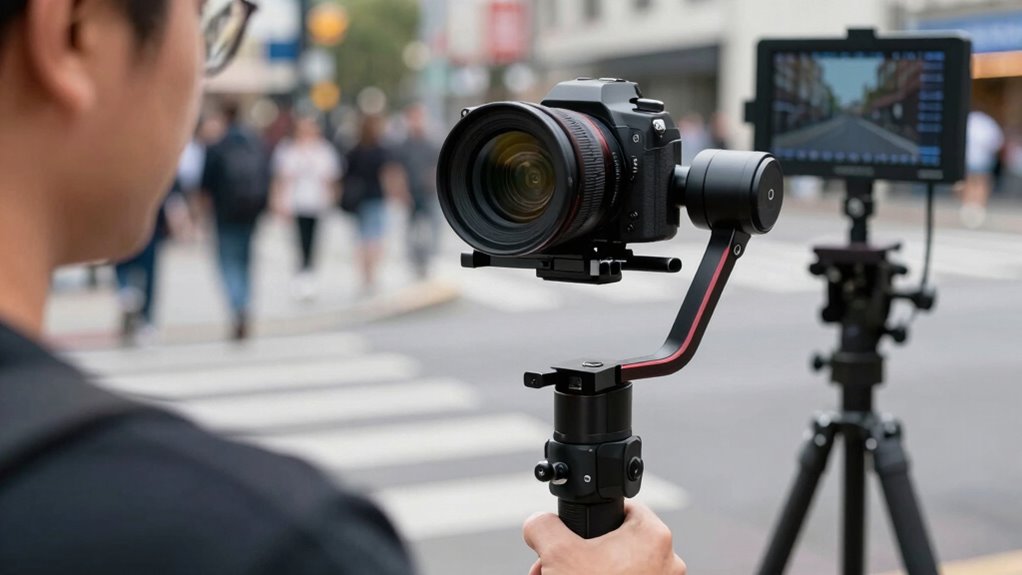
Gimbals offer a versatile solution for stabilizing your footage, but they’re just one option among several techniques. If you prefer a steady shot without extra gear, manual stabilization methods like steadying your hands or body can work, especially for quick shots. Tripod use provides absolute stability, perfect for static shots or time-lapses, but limits movement. Gimbals excel at dynamic shots, allowing smooth camera motion while you walk or move around. Consider your shooting style and environment: if you need mobility and fluid motion, a gimbal is ideal. For stationary scenes, a tripod or manual stabilization might suffice. Ultimately, choosing between these options depends on your project’s needs, your skill level, and the kind of footage you aim to capture. Additionally, understanding camera stabilization techniques can help you select the most appropriate method for your specific scenario.
Frequently Asked Questions
Can Gimbals Replace Traditional Steadicams or Tripods?
Gimbals can often replace traditional steadicams or tripods for handheld shots, providing smooth, stabilized footage. However, they mainly excel in manual stabilization for handheld use and aren’t always suitable mounted on larger equipment like steadicams. Tripods still offer superior stability for static shots, while steadicams handle complex movements better. So, while gimbals are versatile for handheld filming, they don’t fully replace traditional stabilizers in all scenarios.
How Do Different Gimbal Types Affect Footage Quality?
Different gimbal types impact footage quality based on their stabilization systems and motor design. Sensor stabilization minimizes jitter, giving you smooth shots, while motor noise can sometimes interfere with audio or cause vibrations. Handheld gimbals are portable but may introduce more motor noise, affecting clarity. Larger, professional gimbals provide better stabilization but can be less maneuverable. Choose a gimbal suited to your needs to guarantee high-quality footage without unwanted noise or instability.
What Are Common Gimbal Setup Mistakes to Avoid?
To avoid common gimbal setup mistakes, make certain you don’t have balancing errors, which can cause shaky footage or motor strain. Always double-check that your camera is properly balanced before shooting. Also, avoid overusing modes; switch modes only when necessary to prevent unnatural movements. Taking time to balance your gimbal correctly and using modes judiciously guarantees smoother footage and prolongs your device’s lifespan.
Do Gimbals Work Well in Low-Light Filming Conditions?
Gimbals work reasonably well in low-light filming conditions, but your camera’s sensor performance and noise reduction capabilities are vital. Since low light increases noise, choose a camera with good sensor performance to capture clearer footage. Use gimbals to stabilize your shots, but avoid over-reliance, as noise can still degrade image quality. Pairing a high-quality sensor with effective noise reduction ensures your footage stays sharp and smooth even in dim environments.
How Maintenance-Intensive Are Gimbals Over Time?
Gimbals require some maintenance over time, especially if you shoot frequently. For example, a professional videographer might find that lubricating motors and cleaning sensors every few months keeps their gimbal running smoothly. Maintenance costs are generally manageable, but durability concerns can arise with wear and tear on motors or joints. Regular checks and proper handling can extend your gimbal’s lifespan and keep it performing reliably.
Conclusion
Ultimately, choosing the right stabilization method depends on your style and needs. Sometimes, a gimbal’s smooth footage feels like a lucky break, but overdoing it can make your shots look fake—like a scene from a film set. The trick is finding that balance, whether you’re filming a spontaneous moment or a polished project. When you trust your eye and experiment, you’ll discover that natural, steady shots often come from knowing when to let go of the gear.