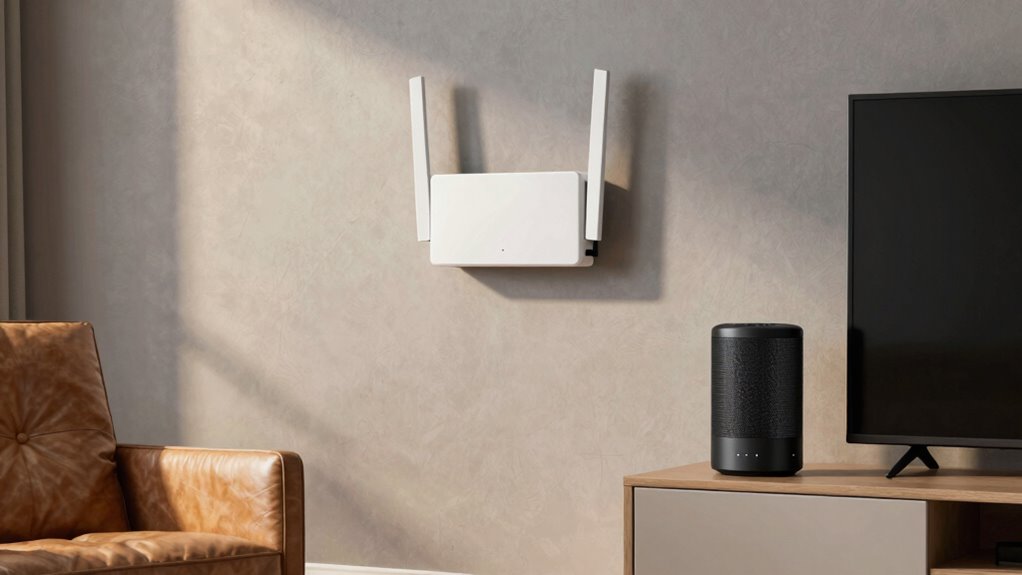

To eliminate dead zones with mesh Wi-Fi, prioritize placing your main router in a central, elevated spot away from obstructions and interference sources like metal objects or microwaves. Position mesh nodes halfway between the router and areas with weak signals, avoiding walls and large objects. Use Wi-Fi mapping apps to identify weak spots and adjust placement for ideal coverage. If you keep dead zones, there’s more to discover on how proper placement makes all the difference.
Key Takeaways
- Place mesh nodes at midpoints between the main router and dead zones for optimal coverage.
- Elevate devices and avoid obstructions like thick walls or metal objects to improve signal strength.
- Use Wi-Fi heatmap apps to identify weak spots and guide strategic node placement.
- Keep nodes within 30-50 feet of each other to ensure a strong, seamless mesh network.
- Remove interference sources like microwaves and cordless phones near mesh devices for reliable performance.
As an affiliate, we earn on qualifying purchases.
Why Proper Mesh Wi-Fi Placement Eliminates Dead Zones

Proper placement of your Mesh Wi-Fi nodes is crucial because it guarantees that the signal covers every corner of your home. When nodes are strategically placed, you reduce dead zones and ensure strong, consistent connectivity. This setup also enhances Wi-Fi security, making it harder for intruders to access your network by maintaining ideal signal strength and stability. Additionally, keeping your router firmware up to date helps improve performance and security features, preventing vulnerabilities that could be exploited. Proper placement minimizes interference from walls and appliances, ensuring your devices stay connected without interruptions. By positioning nodes thoughtfully, you create a seamless network experience, eliminating dead zones and providing reliable coverage throughout your home. This proactive approach keeps your Wi-Fi secure, fast, and dependable. Ensuring optimal signal strength is essential for maintaining high-quality connectivity across your entire home.
How to Spot Dead Zones and Coverage Gaps in Your Home
Identifying dead zones and coverage gaps in your home starts with observing how your Wi-Fi signal performs in different areas. Pay attention to spots where your connection drops or becomes sluggish, especially in rooms far from your router or mesh nodes. Wireless interference from devices like microwaves, cordless phones, or Bluetooth gadgets can weaken your signal, creating dead zones. Also, consider device compatibility; some older devices may struggle to connect or maintain a stable link. If you notice inconsistent performance or frequent disconnections in specific areas, it’s a clear sign of coverage gaps. By pinpointing these weak spots, you can target them with better placement of your mesh nodes or additional access points, effectively eliminating dead zones and ensuring seamless coverage throughout your home. Additionally, understanding home network fundamentals can help you optimize your setup for maximum coverage and stability.
Using Apps to Map Wi-Fi Signal Strength and Find Weak Spots

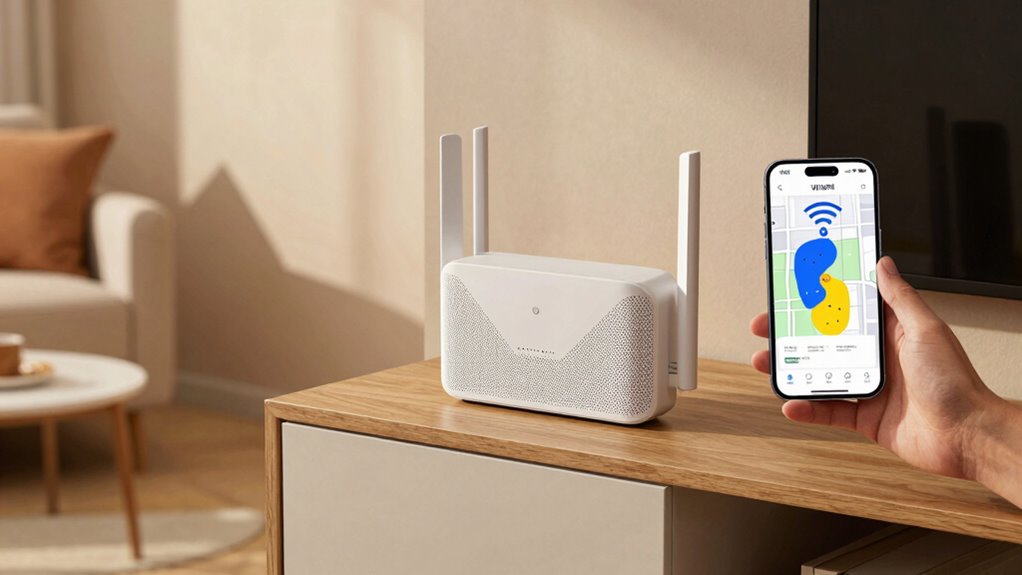
Using apps to map your Wi-Fi signal strength makes it easier to find weak spots in your home. These tools provide real-time heatmaps, showing exactly where your connection drops or slows down. As you walk through your space, the app records signal levels, helping you pinpoint dead zones and areas with poor coverage. This process not only improves your mesh Wi-Fi placement but also enhances network security by identifying potential vulnerabilities caused by weak signals. Most apps are compatible with a variety of devices, including smartphones and tablets, making it easy to gather extensive coverage data. By understanding your Wi-Fi landscape, you can optimize node placement and ensure consistent, secure coverage throughout your home. This proactive approach saves you time and avoids unnecessary guesswork, fostering a sense of spiritual awakening and confidence in your network setup.
Where to Place Your Main Router and Mesh Nodes for the Best Coverage
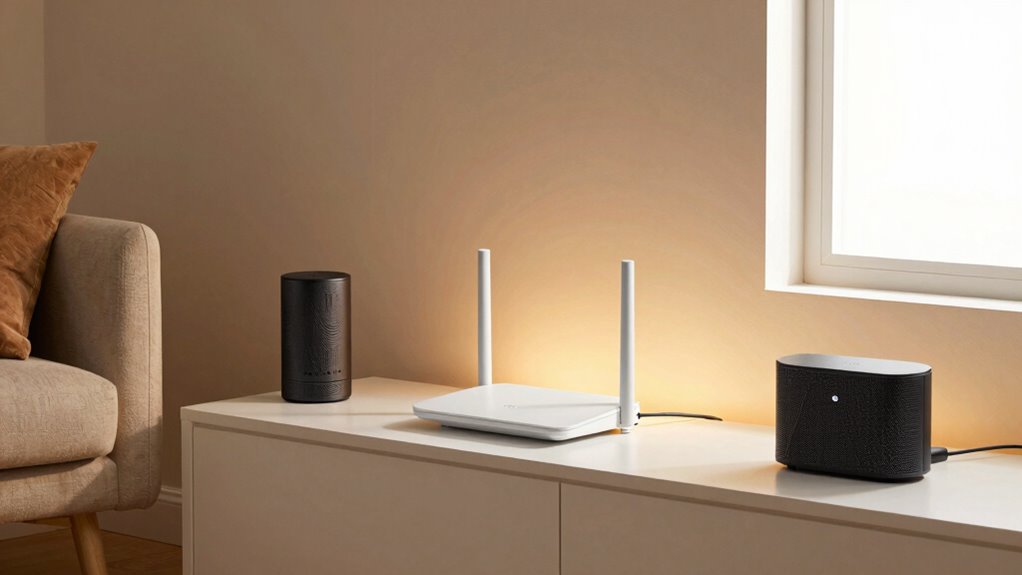
To get the best Wi-Fi coverage, start by placing your main router in a central location in your home. Make sure your mesh nodes are positioned where they can connect easily and cover your entire space effectively. Keep away from thick walls, metal objects, and other sources of interference to guarantee a strong, reliable signal everywhere. Additionally, understanding digital concepts can help optimize your network setup for better performance.
Centralize Your Main Router
Placing your main router in a central location is essential for maximizing Wi-Fi coverage throughout your home. This ensures your signal reaches all areas effectively, reducing dead zones. To optimize placement, keep these tips in mind:
- Avoid placing the router near thick walls or metal objects that cause signal attenuation.
- Elevate the router to a higher position, like on a shelf, to improve line-of-sight.
- Choose a spot that supports the latest wireless standards for faster, more reliable connections.
- Position your router away from interference sources like microwaves or cordless phones to maintain optimal signal quality.
Optimal Mesh Node Placement
For ideal mesh Wi-Fi coverage, positioning your main router and mesh nodes strategically is key. Place your main router in a central location, elevated if possible, to maximize wireless standards and device compatibility. From there, position mesh nodes throughout your home, ensuring they’re within a good signal range of each other, typically 30-50 feet. Avoid placing nodes near thick walls or metal objects that can block signals. Use the same wireless standards across all devices to maintain compatibility and performance. Each node should support your existing devices and network speed needs. Keep nodes out in the open, not hidden behind furniture or inside cabinets, to guarantee optimal coverage. Proper placement creates a seamless network, eliminating dead zones and boosting overall Wi-Fi performance. Additionally, consider router placement carefully to further enhance your Wi-Fi experience and reduce interference.
Avoid Obstructions and Interference
Positioning your main router and mesh nodes where they are less likely to encounter physical obstructions can substantially improve your Wi-Fi coverage. Obstacles like thick walls, metal objects, and large furniture can weaken signals and increase wireless interference. To optimize placement, consider these tips:
- Keep the router away from metal appliances and thick concrete walls.
- Elevate devices to a higher position, avoiding furniture and clutter.
- Minimize electronic interference by placing routers away from cordless phones and microwaves.
- Ensuring proper placement can also prevent signal attenuation caused by physical obstructions, leading to more reliable connectivity throughout your space.
Best Practices for Positioning Mesh Devices to Maximize Signal

To get the most out of your mesh network, focus on ideal device placement and strategic router positioning. Place your mesh nodes where they can communicate clearly without obstructions, ensuring strong signals across your space. By following these best practices, you’ll maximize coverage and enjoy a more reliable Wi-Fi connection. Considering network security measures can also help protect your connected devices from potential threats.
Optimal Device Placement
Have you ever wondered why some areas of your home have a weak Wi-Fi signal despite having a mesh system? Ideal device placement is key. To maximize signal, focus on these three tips:
- Position mesh devices where Wi-Fi antennas are unobstructed, avoiding thick walls or metal objects.
- Place nodes at midpoints between your main router and dead zones, ensuring they’re within a good range of each other’s router frequency.
- Keep devices elevated and away from interference sources like microwaves or cordless phones, which can disrupt the router’s Wi-Fi antennas.
- Understanding performance cookies can help optimize your network setup by analyzing signal strength and coverage patterns.
Strategic Router Positioning
Ever wonder how to place your mesh router for ideal coverage? Strategic router positioning is key. Place your device in a central spot, elevated, and free from obstructions. Keep antenna orientation upright to optimize signal direction. Avoid placing routers near devices that overheat, as high temperatures can reduce performance. Use this table as a quick guide:
| Tip | Why it matters | Example |
|---|---|---|
| Central placement | Ensures even coverage | Living room center |
| Elevated position | Improves signal reach | Shelf or high table |
| Avoid overheating | Prevents device performance drops | Away from heaters or electronics |
Proper positioning promotes better signal, minimizes dead zones, and keeps your mesh system running smoothly. Proper device placement is essential for maximizing network efficiency and maintaining consistent coverage across your space.
Common Placement Mistakes That Reduce Wi-Fi Performance
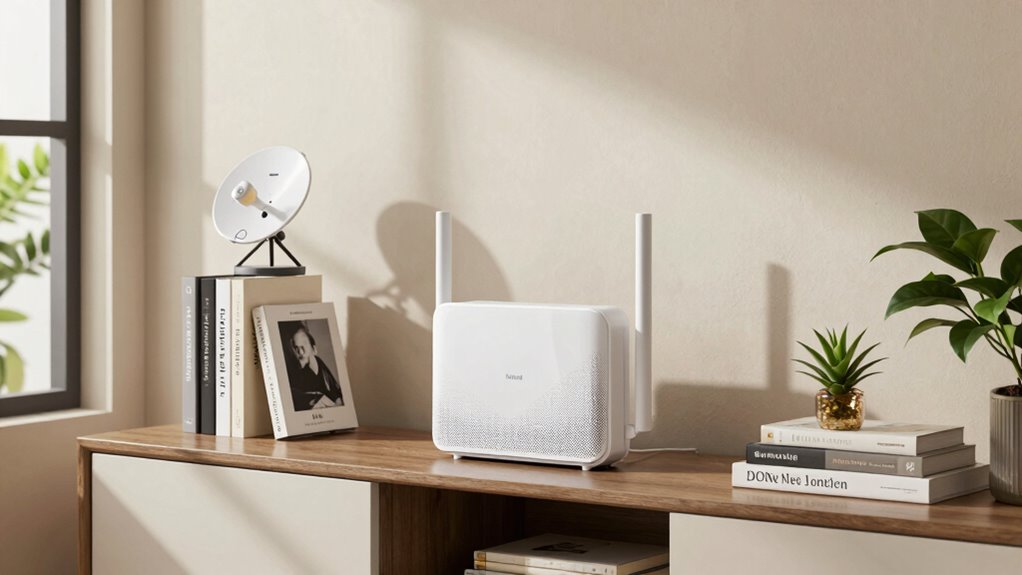
Many common placement mistakes can substantially weaken your Wi-Fi signal and slow down your internet speeds. First, placing your router or mesh nodes too close to metal objects or thick walls reduces signal strength and hinders device compatibility. Second, positioning devices in low or hidden areas, like basements or closets, creates dead zones and weakens overall coverage. Third, setting nodes far apart without considering the ideal distance causes weak connections and slow speeds. Avoid these mistakes by keeping devices elevated and clear of obstructions, ensuring they’re spaced properly, and staying aware of interference sources. Proper placement boosts signal strength and improves device compatibility, providing a faster, more reliable Wi-Fi experience throughout your home. Additionally, understanding battery capacity can help optimize your network’s power needs in case of outages or backup scenarios.
How to Adjust Mesh Node Placement for Better Results

Wondering how to optimize your mesh network? Start by adjusting your mesh node placement to ensure ideal coverage. Move nodes to central locations, avoiding walls or large metal objects that block signals. Check your router firmware—updating it can improve performance and stability. If certain areas still have dead zones, consider adding Wi Fi extenders or repositioning existing nodes to create a more seamless network. Keep nodes within a good range of each other, usually within 30-50 feet, to maintain strong connections. Use your device’s signal strength tools to test coverage after adjustments. Remember, the goal is to create a balanced network with minimal interference, so don’t hesitate to experiment with different placements until you find what works best for your space. Optimizing Metabolic Health involves understanding how strong and consistent signals contribute to overall system performance.
Troubleshooting Persistent Dead Zones: What to Do Next
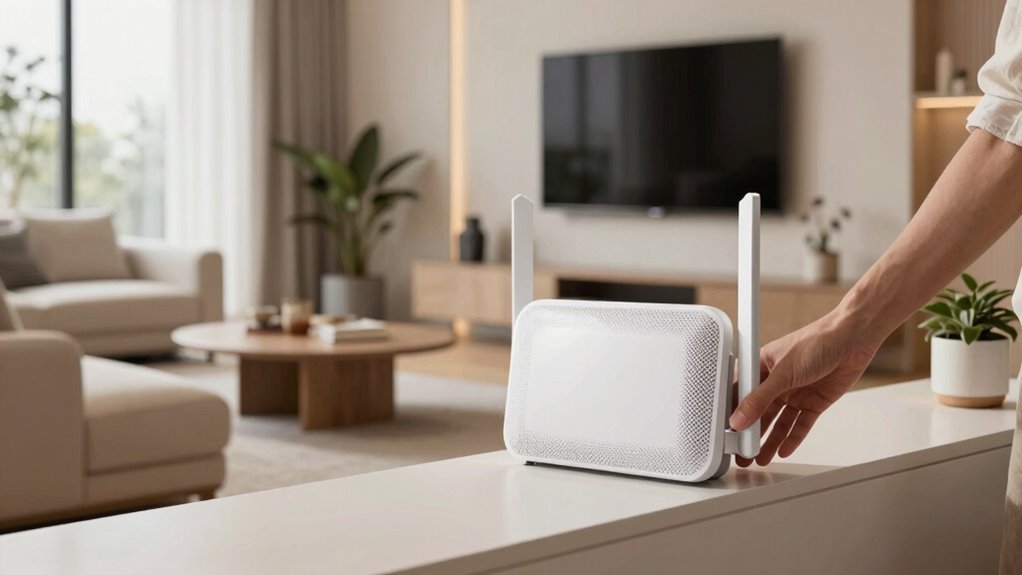
When dead zones persist despite adjusting your mesh nodes, it’s essential to identify the underlying cause. Start by checking your antenna orientation; improper angles can weaken signals in certain areas. Next, consider whether interference from walls or appliances is disrupting your mesh’s performance. Finally, evaluate if adding signal repeaters or extenders could help bridge gaps. Additionally, using vehicle protection accessories like remote car covers or gear upgrades can prevent external damage that might impact device performance.
Here are your next steps:
- Adjust antenna orientation to optimize signal direction.
- Remove or relocate interference sources near your mesh nodes.
- Use signal repeaters strategically in stubborn dead zones.
These actions can markedly improve coverage. If dead zones continue, upgrading your equipment or repositioning nodes might be necessary. Troubleshooting is about refining placement and setup until dead zones vanish.
Frequently Asked Questions
Can Wall Materials Affect Mesh Wi-Fi Signal Strength?
Yes, wall materials can affect your mesh Wi-Fi signal strength. Wall interference from materials like brick or concrete can weaken the signal, while drywall or wood usually cause less disruption. Be mindful of material compatibility when placing your mesh nodes; avoid thick or dense walls if possible. Position your devices to minimize barriers, ensuring a stronger connection and better coverage throughout your home.
How Often Should I Reposition My Mesh Nodes?
You should reposition your mesh nodes whenever you notice dead zones or slow speeds, ideally every few months, or after significant home changes. Focus on achieving ideal placement by placing nodes centrally and avoiding obstructions like thick walls or metal objects. Regular node repositioning helps maintain strong coverage, ensuring your mesh Wi-Fi performs at its best. Keep experimenting until you find the spots that deliver seamless connectivity throughout your space.
Do Mesh Wi-Fi Systems Work With All Internet Providers?
Yes, mesh Wi-Fi systems generally work with most internet providers, but you should check the specific Internet compatibility and provider restrictions first. Some providers may have restrictions or require special setup steps, especially if you have a unique modem or service. Always verify with your provider if there are any compatibility issues before purchasing a mesh system. Once confirmed, you’ll enjoy seamless, reliable Wi-Fi coverage throughout your home.
Is It Necessary to Update Firmware for Better Placement?
Yes, updating firmware is necessary for better placement because it helps with signal optimization. Firmware updates often include improvements for connectivity, stability, and performance, ensuring your mesh Wi-Fi system works at its best. When you keep your devices updated, you minimize dead zones and enhance coverage. Regularly check for firmware updates and install them promptly to maximize your mesh system’s effectiveness and enjoy seamless internet throughout your home.
Can Pets or Furniture Interfere With Mesh Wi-Fi Signals?
Pet interference and furniture obstruction can definitely affect your mesh Wi-Fi signals. Pets moving around or lying near routers can cause minor disruptions, while large furniture pieces can block signals, creating dead zones. To improve coverage, place your mesh nodes in open areas away from pet activity and bulky furniture. Keep the area clear around your devices, and you’ll notice better stability and faster internet throughout your home.
Conclusion
By carefully placing your mesh Wi-Fi nodes, you can banish dead zones like a superhero saving your home from Wi-Fi chaos. Use apps to map weak spots, avoid common placement mistakes, and tweak your setup until every corner is connected. Think of your network as a flawless web — strong, seamless, and unstoppable. With patience and smart positioning, you’ll turn your house into a Wi-Fi utopia where dead zones are nothing but a distant memory.