When choosing between NVR and cloud storage for security cameras, your costs can quickly add up due to hardware, subscription fees, and data usage. NVRs often have lower upfront costs and avoid ongoing fees but may need hardware upgrades over time. Cloud plans include automatic updates and scalability but can become expensive as your storage needs grow. To keep expenses manageable, understanding the long-term costs helps you make an informed decision—more details await on how to choose wisely.
Key Takeaways
- NVRs have lower initial costs but may incur higher long-term expenses for hardware upgrades and replacements.
- Cloud storage offers scalable plans with ongoing subscription fees that can quickly accumulate as storage needs grow.
- High-resolution footage increases data usage, raising both storage and bandwidth costs in both NVR and cloud systems.
- Data transfer fees apply to cloud systems during remote access, while NVRs store footage locally, avoiding these charges.
- Evaluating security features and encryption costs is essential, as both options may include hidden expenses for data protection.

REOLINK Smart 5MP 8CH Home Security Camera System, 4pcs Wired PoE IP Cameras Outdoor with Person/Pet/Vehicle Detection, 4K 8CH NVR with 2TB HDD for 24-7 Recording, RLK8-520D4-5MP
CAPTURE CRIME FROM DETAILS: Discover potential crime has never been so easier with superior 5MP HD. With advanced…
As an affiliate, we earn on qualifying purchases.
As an affiliate, we earn on qualifying purchases.
Which Security Storage Is More Cost-Effective: NVR or Cloud?
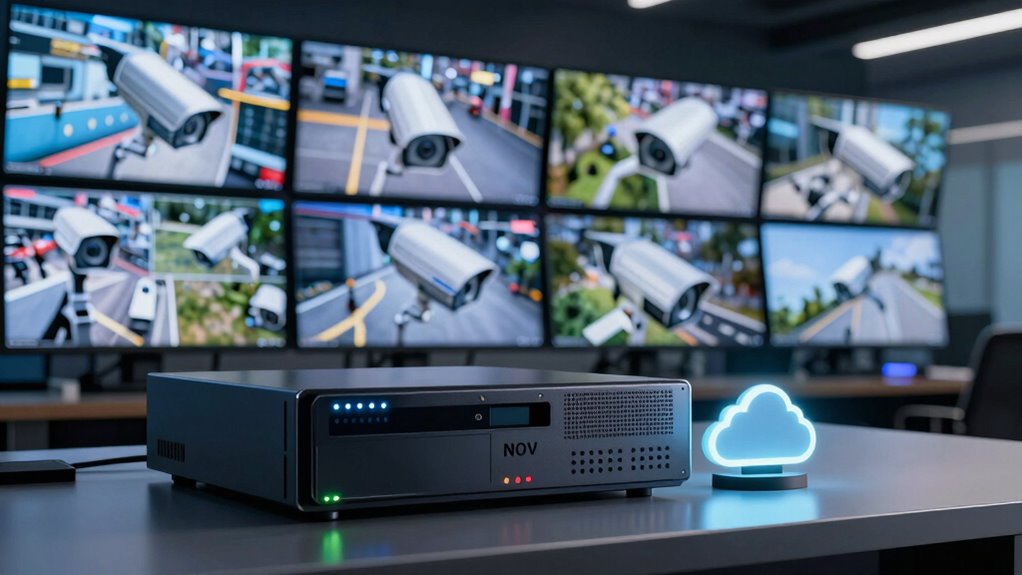
When comparing costs between NVR and cloud storage, your choice largely depends on your specific needs and budget. If you’re focused on budget planning, NVR systems often have lower upfront costs, making them appealing for those avoiding ongoing expenses. NVRs typically require a one-time purchase, and you can expand storage with additional drives as needed. Cloud storage, on the other hand, involves monthly or yearly subscription fees that can add up over time, especially with high-resolution footage or extensive footage retention. Consider your long-term needs and potential technology upgrades, since cloud services often include automatic updates and scalability without hardware changes. If you prefer predictable expenses and control, NVR might save you money; for flexibility and minimal maintenance, cloud storage could be more cost-effective. Additionally, maintenance requirements can influence overall costs and convenience for each option.
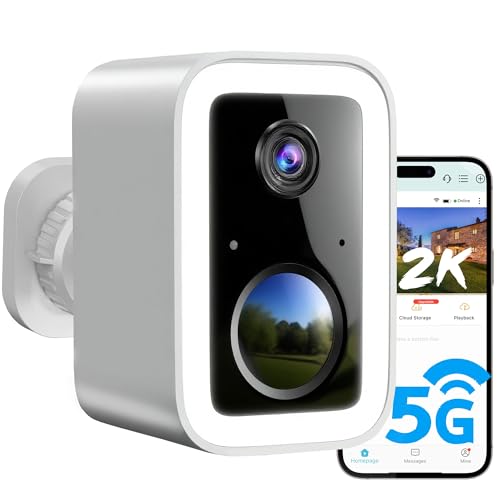
2K Security Cameras Wireless Outdoor, Free Cloud Storage, Integrated Spotlight & Siren, AI Motion Detection, 2-Way Audio, 1-6 Months Battery Life, Cameras for Home Security Support 5GHz WiFi, IP66
🌟【Latest Upgrades】2K 3MP Super HD & full color night vision. Upgraded integrated spotlight and siren. Free cloud storage….
As an affiliate, we earn on qualifying purchases.
As an affiliate, we earn on qualifying purchases.
What Are the Initial Setup Expenses for Each Option?

When you’re setting up security cameras, it’s important to contemplate the initial costs involved. You’ll need to look at hardware purchase prices, installation expenses, and any subscription fees for cloud services. Understanding these expenses helps you choose the option that fits your budget from the start. Additionally, considering the initial setup expenses for projectors can also provide insight into the overall investment needed for a reliable security system.
Hardware Purchase Costs
Initial setup costs for security camera systems vary considerably between NVR and cloud storage options. With NVR systems, you’ll need to purchase a dedicated network video recorder, which includes the hardware to connect your cameras. You’ll also invest in quality camera lenses and a reliable power supply to ensure consistent operation. These components can add up quickly, but they’re generally a one-time expense. In contrast, cloud storage options often require fewer initial hardware purchases, as the main investment is in compatible cameras with built-in storage or the ability to connect to cloud services. However, some cameras may still need power supplies and lenses, which are typically less costly upfront. Overall, NVR setups usually demand a higher initial investment compared to cloud-based solutions.
Installation Expenses
The setup process for security camera systems differs considerably between NVR and cloud storage options. For NVR systems, you need to install a network video recorder and connect cameras via wired or wireless methods, which may involve extra cabling if wireless isn’t feasible. Cloud storage setups generally require fewer physical components but depend on reliable wireless connectivity and power consumption. Additionally, digital concepts such as network stability and bandwidth can significantly influence the effectiveness of a cloud-based system.
Subscription Fees
Choosing between NVR and cloud storage options involves considering the upfront subscription costs. With NVR systems, you typically pay a one-time fee for hardware, but there are no ongoing monthly charges, which can save money over time. Cloud storage, on the other hand, requires a subscription fee from the start, which can add up quickly depending on the plan’s storage capacity. While cloud services offer excellent user accessibility, enabling remote viewing from any device, they often raise privacy concerns since your footage is stored off-site. NVRs generally keep footage on-site, providing more control over privacy. Your choice depends on balancing initial expenses, ongoing costs, privacy priorities, and how easily you want to access your footage. Additionally, considering Free Floating options can influence long-term costs and convenience.

aosu T2 Ultra 4K Security Cameras Wireless Outdoor, TrueColor Night Vision, AI Triple Detection, 360° Auto Tracking, Solar Powered WiFi Camera for Home Security, 1Pack
【Ultimate Clarity, Day or Night】 Say goodbye to blurry, over-exposed black-and-white footage. This wireless outdoor security camera features…
As an affiliate, we earn on qualifying purchases.
As an affiliate, we earn on qualifying purchases.
Are Hidden Fees and Ongoing Costs Eating Into Your Budget?

Hidden fees and ongoing costs can quickly turn an otherwise affordable security camera system into a budget drain. Many providers hide extra charges, like activation fees or costs for premium features, catching you off guard. Maintenance costs also add up over time, especially if equipment needs repairs or replacements. Cloud storage plans often have recurring fees, even if you don’t realize how they increase your monthly bill. NVR systems may seem cheaper initially, but they can require regular updates, hardware upgrades, or technical support that add to expenses. Failing to account for these hidden fees and maintenance costs can lead to unexpected financial strain. To stay within your budget, carefully review all potential charges before choosing a system, and plan for ongoing costs beyond the initial purchase. Additionally, understanding cabling solutions and installation requirements can help prevent costly surprises during setup.

Doorbell Screwdriver Replacement Kits, Double-Ended Torx T6 T15 Video Doorbell Camera Screwdriver with 20Pcs Security Screws for Battery Change & WiFi Password Reset, Fits All Video Doorbell Models
【Universal Doorbell Screwdriver】A must-have doorbell accessories compatible with all video doorbell models, including Video Doorbell, Video Doorbell 2,…
As an affiliate, we earn on qualifying purchases.
As an affiliate, we earn on qualifying purchases.
How Do Storage Limits and Data Usage Affect Your Costs?
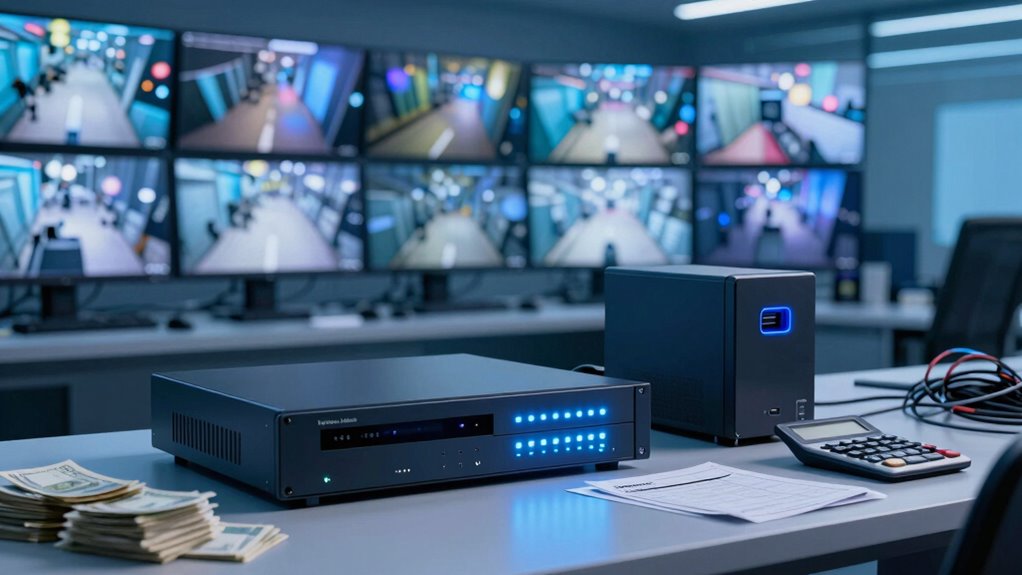
Your storage limits and data usage directly impact your costs, especially if you record in high resolution or for long periods. When storage capacity is maxed out, you might need to pay for additional space or reduce recording quality. Understanding how data transfer and video quality affect your storage needs can help you manage expenses more effectively. Indoor air quality concerns can also influence your choice of camera placement and system features to ensure optimal security and monitoring.
Storage Capacity Limitations
Storage capacity limitations directly impact how much footage you can save and for how long, which in turn influences your overall costs. If your cameras are placed in high-traffic areas or require extended recordings, you’ll need more storage space, increasing expenses. Limited storage can also restrict user accessibility, making it harder to retrieve specific footage quickly. To visualize this, consider the following:
| Storage Type | Capacity Limit | Cost Impact |
|---|---|---|
| NVR | Fixed, expandable | Lower initial, but add-ons cost more |
| Cloud Storage | Subscription-based | Costs rise with data usage |
| Hybrid | Flexible | Balance of costs and capacity |
Choosing the right setup depends on your camera placement and how much footage you need to access regularly. Additionally, understanding storage allocation is crucial for optimizing your system’s efficiency and managing costs effectively.
Data Transfer Costs
Have you ever wondered how data transfer costs impact your security system expenses? When you access your cameras remotely, data is uploaded and downloaded, which can rack up charges depending on your provider’s policies. Cloud storage often involves ongoing data transfer fees, especially if you stream footage frequently or in high resolution. Limiting storage or bandwidth can mean extra costs if you need to increase data allowances, impacting your budget. User permissions also matter—if multiple users access the system, more data is transferred, increasing costs. NVR systems typically avoid these charges because data stays local. Understanding your data usage and access habits helps you predict and control expenses, ensuring you don’t get surprised by hefty transfer fees. Monitoring data consumption is an essential part of managing overall costs effectively.
Quality and Resolution Impact
Higher video quality and increased resolution can considerably raise your data usage, which in turn affects your costs. When you choose higher resolution settings, your security camera captures more detail, but this also means larger file sizes and increased storage needs. The resolution impact becomes clear: the more pixels your camera records, the more data is generated. If you’re using cloud storage, this can quickly lead to higher bandwidth consumption and increased storage fees. Similarly, with NVR systems, higher quality footage requires more hard drive space, potentially leading to more frequent upgrades or larger storage investments. Balancing your desired video quality with your budget is vital, as optimizing resolution can help control data usage and keep costs manageable. Additionally, understanding storage limits and data usage patterns can help you make more informed decisions to avoid unexpected expenses.
What Is the Total Cost of Ownership for NVR vs Cloud Storage?
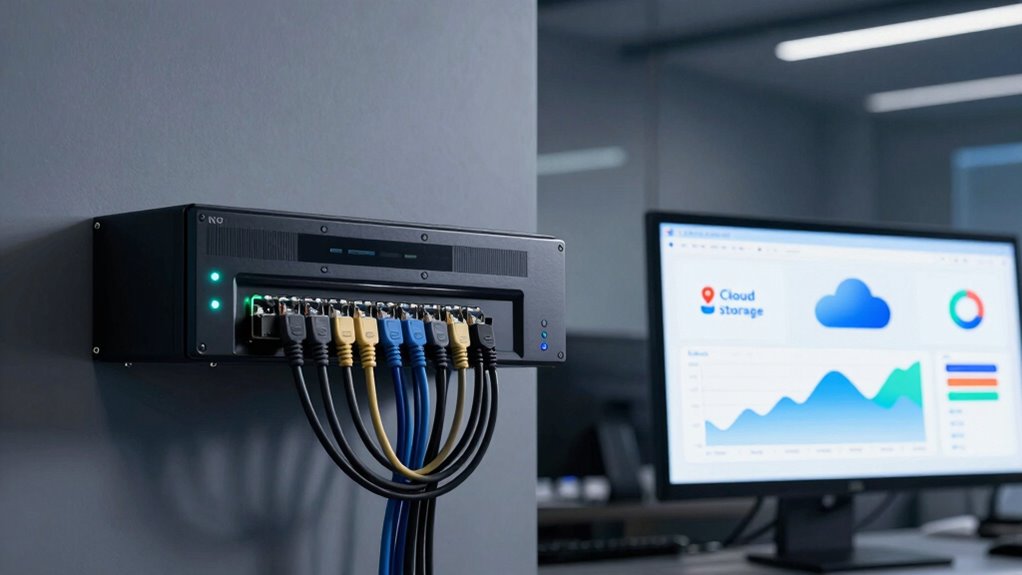
Understanding the total cost of ownership for NVR systems versus cloud storage involves more than just initial expenses. NVR setups often require significant upfront costs for hardware, installation, and maintenance. Over time, these costs add up with replacement parts and upgrades, especially if you need to guarantee security compliance and data encryption. Cloud storage, on the other hand, typically involves ongoing monthly or yearly fees based on storage size and features. While it may seem more affordable initially, subscription fees can accumulate quickly, especially if you need extensive storage or advanced security features. Consider your long-term needs and security requirements when calculating the total cost, as both options have hidden expenses related to data security, compliance, and scalability. Vetted solutions often include considerations for data security and encryption, which can impact overall costs.
Tips for Choosing the Most Budget-Friendly Security Storage

Choosing the most budget-friendly security storage requires careful comparison of options to find the best balance between cost and features. Start by evaluating your camera placement needs—more cameras may mean higher storage costs, so prioritize essential areas. Consider storage solutions that offer user accessibility, allowing you to view footage easily without extra fees or complex setups. Cloud storage often has scalable plans, so choose a provider that matches your current needs and allows for future expansion without breaking the bank. For NVRs, look for models with expandable storage options, so you don’t pay for unnecessary capacity upfront. Always weigh upfront costs against ongoing fees, and remember that investing in flexible, accessible storage can save money in the long run while maintaining security coverage. Additionally, understanding security storage options can help you make more informed decisions aligned with your budget and security needs.
Frequently Asked Questions
How Often Should I Upgrade or Replace My Security Storage System?
You should upgrade or replace your security storage system every three to five years to maintain excellent storage longevity and performance. Regular upgrades ensure your system keeps pace with technology advances and increased storage needs, reducing the risk of data loss or system failure. Keep an eye on storage capacity and system updates, and consider upgrading sooner if you notice slower performance or if your storage demands grow beyond your current setup.
What Security Risks Are Associated With Cloud Storage Versus NVR?
Think of cloud storage as a locked vault—convenient but vulnerable if the key falls into the wrong hands. You risk data breaches and unauthorized access, especially if your password isn’t strong or security measures are lax. NVRs, on the other hand, keep data local, reducing remote hacking risks. Still, they’re physically accessible, so theft or tampering remains a threat. Choose wisely based on your security needs.
Can I Switch Between NVR and Cloud Storage Easily Later?
You can switch between NVR and cloud storage later, but the transition ease depends on your system’s compatibility and your setup. Some systems offer flexible storage options, making it easier to change later, while others may require significant adjustments. To guarantee smooth storage flexibility, choose systems designed for easy integration and data migration, so you can adapt as your needs evolve without hassle or added costs.
How Does Internet Bandwidth Impact Cloud Storage Performance?
Your internet speed and bandwidth limits directly affect cloud storage performance. If you have high internet speed, you’ll experience smoother, real-time footage uploads without lag. However, if your bandwidth is limited, uploads might slow down, causing delays or gaps in recording. Heavy video traffic from multiple cameras can also strain your bandwidth, leading to reduced quality or buffering. To guarantee reliable cloud storage, upgrade your internet plan if necessary and monitor bandwidth usage regularly.
Are There Any Legal or Privacy Considerations for Cloud Storage?
You should be aware of privacy concerns and legal compliance when using cloud storage for security cameras. Laws vary by location, so make certain you follow regulations on data protection and obtain necessary consent. Be transparent with those recorded, and choose reputable providers with strong security measures. Ignoring these considerations can lead to legal issues or privacy breaches, so prioritize secure, compliant storage options to protect everyone’s rights.
Conclusion
Ultimately, choosing between NVR and cloud storage can feel like steering a financial minefield—one wrong step and costs can skyrocket faster than you can blink. By weighing the initial expenses, hidden fees, storage limits, and long-term costs, you can find the option that keeps your budget intact. Don’t let sneaky fees drain your wallet; with the right choice, you’ll have security that’s both reliable and affordable—saving you from a financial disaster!