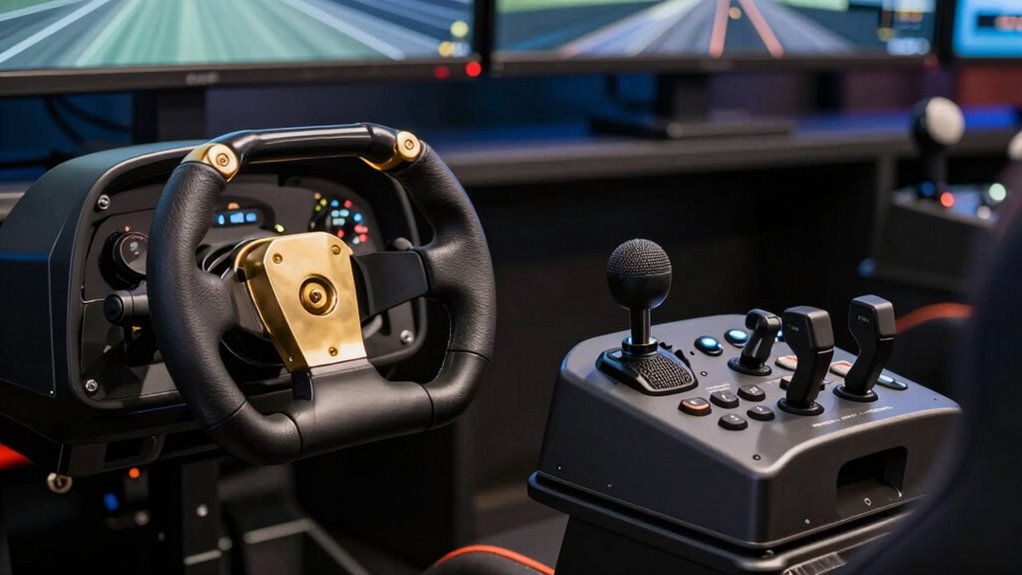

Choosing between a yoke and HOTAS depends on your flight style and aircraft preferences. A yoke offers realistic, precise control ideal for general aviation and cockpit simulation, providing comfort during long flights. A HOTAS system offers extensive controls and quick access for more complex aircraft but can be more expensive and less intuitive for beginners. To find the best fit for your flying experience, consider your comfort, aircraft type, and control needs—more insights are just ahead.

Get business pricing on office and shipping supplies
- Business-only prices and quantity discounts
- Tax-exempt purchasing
- Multiple users, one account, clear invoices
Key Takeaways
- Choose a yoke for realistic, cockpit-like control and ergonomic comfort, ideal for general aviation flying.
- Opt for HOTAS if you need extensive button access, quick response, and versatility for complex simulations.
- Consider your aircraft preference; yokes excel in small planes, while HOTAS suits military or advanced jet simulations.
- Check hardware compatibility and setup space; yokes can be bulky, HOTAS offers flexible customization.
- Prioritize comfort and control style to ensure long-term enjoyment and optimal performance in your flight simulations.
As an affiliate, we earn on qualifying purchases.
Yoke vs HOTAS: What’s the Difference in Flight Controls?

When choosing between a yoke and a HOTAS for flight simulation, understanding their fundamental differences is essential. A yoke offers an ergonomic design that mimics real airplane controls, providing a comfortable grip during long sessions. It typically features a wheel-like structure that allows precise control of pitch and roll. Button customization on a yoke is often limited but straightforward, focusing on essential functions. In contrast, a HOTAS (Hands On Throttle And Stick) combines a stick and throttle with numerous buttons and switches, giving you quick access to various controls. Its ergonomic design prioritizes functionality and convenience, allowing for extensive button customization. This setup suits more complex simulations, where rapid adjustments and multiple controls enhance realism and immersion. Additionally, control versatility is a key factor that often makes HOTAS setups more suitable for advanced flight enthusiasts.
Which Control Is Best for Your Flight Sim Setup and Style?
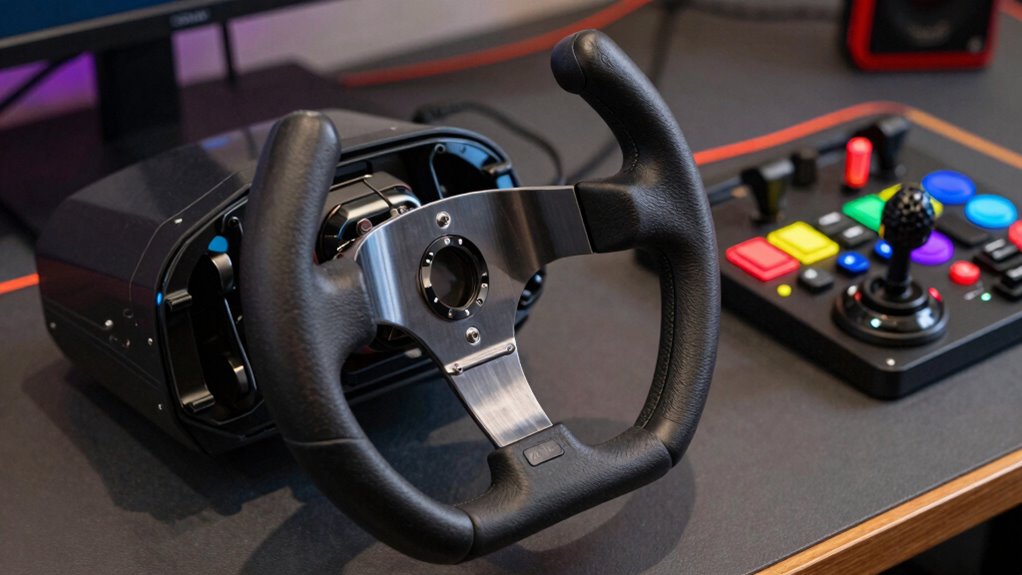
Choosing the right control for your flight sim setup depends on how you like to play and what aspects of realism matter most to you. Your comfort with the joystick and pedal compatibility are key factors. If you prefer precise, intuitive control, a yoke might suit you better. Alternatively, HOTAS setups offer versatility and more controls at your fingertips. Consider the following:
| Feature | Best For |
|---|---|
| Joystick comfort | Long sessions, ergonomic design |
| Pedal compatibility | Realistic yaw and braking control |
| Control complexity | Simplified controls or advanced setups |
Evaluate which features align with your style—whether you value comfort, realism, or control complexity—to choose the ideal setup. Incorporating contrast ratio considerations can also help optimize your visual experience in flight sims.
Pros and Cons of Using a Yoke for Flight Simulation

Using a yoke for flight simulation offers a highly realistic flying experience, closely mimicking real cockpit controls. Its ergonomic design promotes natural hand positioning, reducing fatigue during long sessions. However, ergonomics considerations vary depending on your setup, so choose a yoke that fits comfortably. Hardware compatibility is another key factor; some yokes work seamlessly with popular flight sim software, while others may require additional adapters or drivers. A yoke’s sturdy build provides precise control over pitch and roll, enhancing realism. On the downside, yokes can be bulky and may limit movement, especially if your desk space is constrained. Additionally, not all yokes support a full range of controls, which can restrict functionality for complex simulations. Understanding the Hardware compatibility ensures a smoother setup process and a better overall experience.
Why Choose a HOTAS System? Benefits and Drawbacks Explained
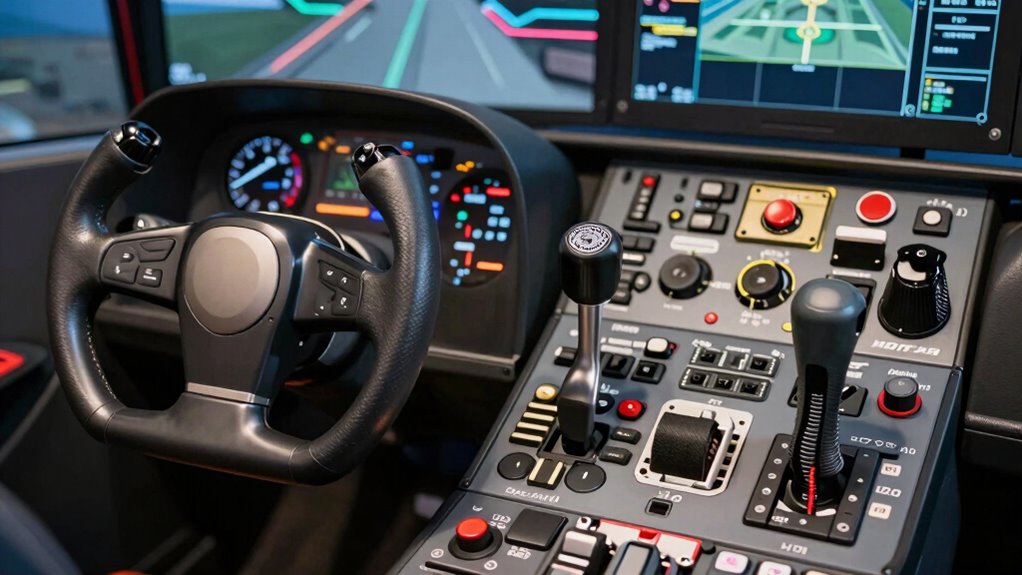
A HOTAS (Hands On Throttle and Stick) system offers a highly immersive flight simulation experience by integrating throttle and stick controls into a single setup. It’s designed with ergonomics considerations in mind, allowing you to place controls within easy reach for natural movements and reduced fatigue. This setup often provides extensive customization options, letting you assign functions to buttons and switches based on your preferences, enhancing realism and efficiency. However, a HOTAS system can be more complex and expensive than a yoke, and its compact design might not suit everyone’s comfort. While it excels in fighter jet and combat flight simulations, it may feel less intuitive for general aviation or commercial pilot scenarios. Weighing these benefits and drawbacks helps you decide if a HOTAS matches your flying style.
How to Decide Between a Yoke and HOTAS for Your Flying Experience?

When deciding between a yoke and a HOTAS setup, consider how each aligns with your preferred flying style and the types of flights you enjoy. Your ergonomics preferences play a key role—if comfort and natural hand positioning matter, a yoke might suit you better. Conversely, if you favor more control flexibility and a broader range of functions, HOTAS systems could be ideal. Additionally, check hardware compatibility to ensure your chosen control setup integrates seamlessly with your flight sim hardware and software. Think about the aircraft types you prefer, as some controls excel with specific aircraft models. Understanding ergonomic comfort can significantly impact your long-term flying satisfaction. Ultimately, matching your ergonomics preferences and hardware compatibility with your flying goals will help you choose the right control system for an immersive and comfortable experience.
Frequently Asked Questions
Can a Yoke Be Used Effectively for Space Flight Simulators?
Yes, you can use a yoke effectively for space flight simulators. It provides a familiar spacecraft control experience, mimicking the intuitive steering and pitch adjustments used in real pilot training. While HOTAS setups excel for fast, precise maneuvers, a yoke offers smoother, more realistic control for simulating spacecraft handling. Your choice depends on whether you prioritize realism or responsiveness during your space flight simulation sessions.
Are There Hybrid Control Systems Combining Yoke and HOTAS Features?
Did you know that hybrid control systems are gaining popularity among flight sim enthusiasts? These combined systems integrate yoke and HOTAS features, giving you the best of both worlds. They offer precise control and versatility, allowing you to switch seamlessly between traditional yoke inputs and HOTAS-style buttons and throttles. With a hybrid control setup, you get a more immersive experience, making your simulation sessions more realistic and adaptable to different types of flying.
How Does Control Ergonomics Impact Long-Term Flight Simulation Comfort?
Control ergonomics profoundly impact your long-term flight simulation comfort. An ergonomic design guarantees your hands, wrists, and arms stay relaxed, reducing fatigue during extended sessions. When your controls fit naturally and maintain proper posture, you experience better user comfort and less strain. Choose a system with adjustable features and well-placed controls, so you can enjoy realistic flying without discomfort. Prioritizing ergonomic design enhances your overall simulation experience and helps prevent long-term aches.
What Maintenance Is Required for HOTAS and Yoke Setups?
You should regularly inspect your HOTAS or yoke for component durability, checking for wear or loose parts. Perform calibration procedures as recommended by the manufacturer to make certain controls are accurate. Keep the device clean and dust-free, and avoid excessive force during use to prolong its lifespan. Periodic maintenance helps maintain responsiveness and accuracy, ensuring your flight simulation experience remains smooth and realistic over time.
Do Flight Control Preferences Change With Experience Level?
You might find your control preferences changing with experience, surprisingly enough. As you learn the curve, you’ll appreciate how control customization lets you fine-tune your setup. Beginners may prefer the simplicity of a yoke, but seasoned pilots often favor HOTAS for its realism and precision. Your evolving skills shape your choice, making it a fun journey where your flight control preferences shift as you become more comfortable and confident.
Conclusion
Choosing between a yoke and HOTAS is like picking the right wings for your flight. Your ideal control setup depends on your flying style and what feels most natural. Whether you prefer the steady hand of a yoke or the versatile power of HOTAS, the right choice will elevate your sim experience. So, take the time to weigh your options and find the control that will let your virtual aircraft soar confidently through the skies.
Fall Picks
fall essentials
As an affiliate, we earn on qualifying purchases.