Preamps in audio interfaces boost weak microphone signals and influence sound quality, noise, and distortion. Adjusting gain controls helps you find the right balance, preventing clipping or noise. The noise floor is the background hum in your recordings; a lower level means clearer sound. Comparing preamps and gain across devices is key to picking the right interface. Keep these basics in mind, and you’ll discover how to improve your recordings even further.
Key Takeaways
- Preamps boost weak microphone signals, influencing noise levels, distortion, and overall sound clarity in an audio interface.
- Gain controls set amplification levels; proper adjustment prevents clipping or excessive noise for optimal recordings.
- Noise floor is the baseline background noise; a lower noise floor results in cleaner, more detailed sound.
- High-quality preamps provide better tone, warmth, and lower noise compared to lower-end options.
- Optimizing gain and preamp settings involves proper microphone placement, room treatment, and monitoring levels for clear recordings.

Focusrite Scarlett Solo 3rd Gen USB Audio Interface for Guitarists, Vocalists, Podcasters or Producers to record and playback studio quality sound
Pro performance with great pre-amps – Achieve a brighter recording thanks to the high performing mic pre-amps of…
As an affiliate, we earn on qualifying purchases.
As an affiliate, we earn on qualifying purchases.
What Are Preamps and Why Do They Matter in Audio Interfaces?
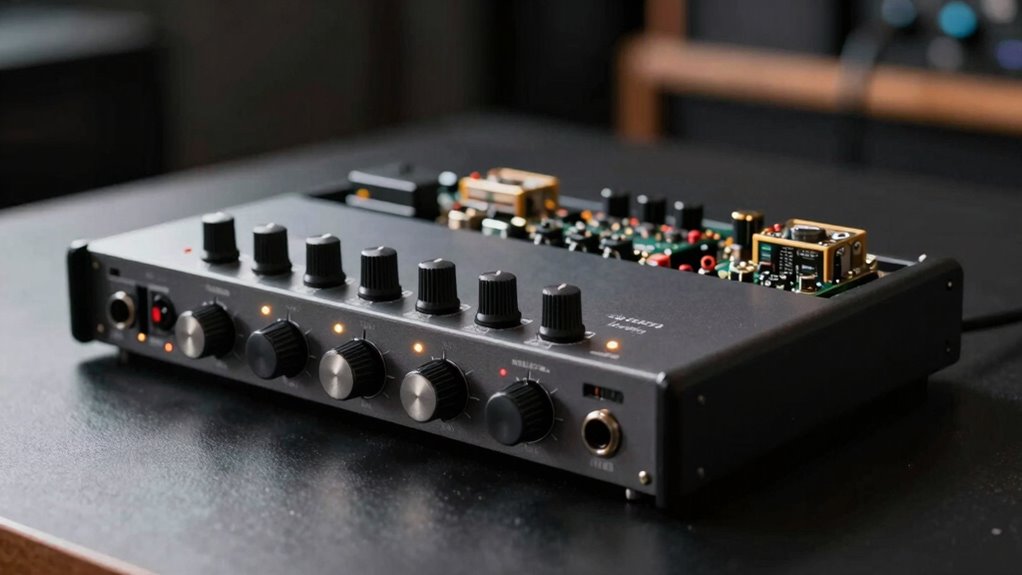
Preamps, or microphone preamplifiers, are essential components in audio interfaces because they boost weak audio signals to a level that can be accurately processed and recorded. Without a good preamp, your audio signal might be too faint or distorted, affecting the overall sound quality. The quality of your microphone plays a significant role here—higher-quality microphones produce cleaner, clearer signals that need less boosting. A reliable preamp ensures these signals are amplified without adding noise or distortion, preserving the integrity of your sound. This is especially important for capturing vocals or instruments where clarity matters. Additionally, the preamp’s gain setting controls how much the signal is amplified, which can impact noise levels and sound quality. In short, the preamp directly influences how well your microphone’s quality translates into a professional, polished recording.
Focusrite Scarlett Solo 3rd Gen USB Audio Interface for Guitarists, Vocalists, Podcasters or Producers to record and playback studio quality sound
Pro performance with great pre-amps – Achieve a brighter recording thanks to the high performing mic pre-amps of…
As an affiliate, we earn on qualifying purchases.
As an affiliate, we earn on qualifying purchases.
How Do Gain Settings Affect Your Recordings?
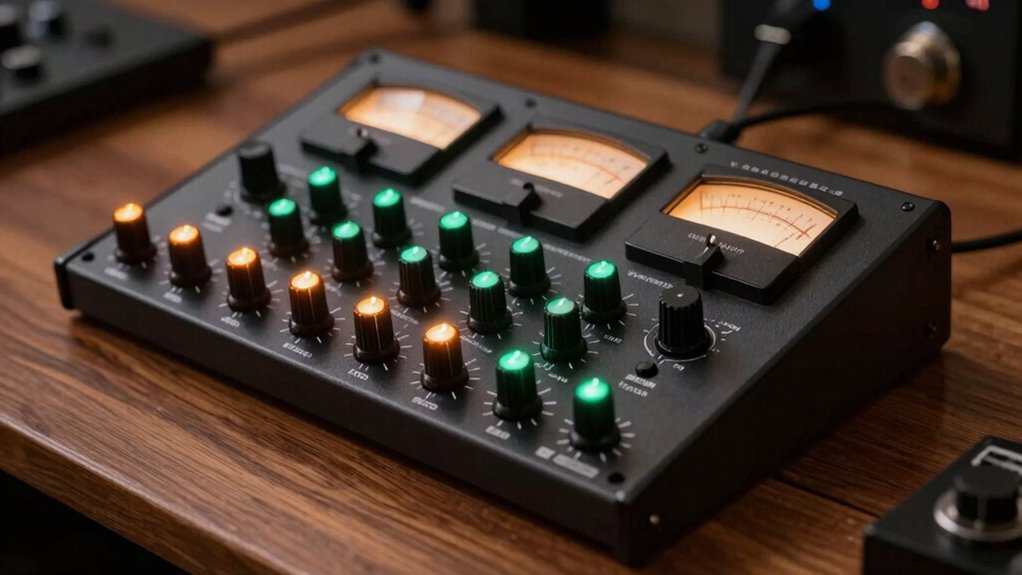
Gain settings determine how much an audio interface amplifies the incoming signal from your microphone or instrument. Proper gain staging ensures your recordings sound clear and balanced. If gain is too low, your sound becomes faint and noisy. Too high, and you risk signal clipping, which distorts your audio. Adjusting gain carefully helps you find that sweet spot. Keep these in mind:
Proper gain staging ensures clear, balanced recordings without clipping or noise.
- Use gain staging to set levels before recording
- Avoid pushing gain too high to prevent signal clipping
- Monitor input levels to maintain clarity
- Balance gain to optimize signal-to-noise ratio
- Selecting the right audio interface components contributes to achieving optimal gain and sound quality.

Rodyweil RO-04 Mic Preamp, 0~72db Adjustable Gain Boost,-120db EIN Ultra Low Noise, Studio Grade Performance with Hi-Z, 48V, HPF, Phase for Instrument & Dynamic & Condenser & Ribbon Microphone
–120 dBV EIN for Ultra Low Noise: With an exceptionally low –120 dBV Equivalent Input Noise, the RO04…
As an affiliate, we earn on qualifying purchases.
As an affiliate, we earn on qualifying purchases.
What Is Noise Floor and How Does It Impact Sound Quality?
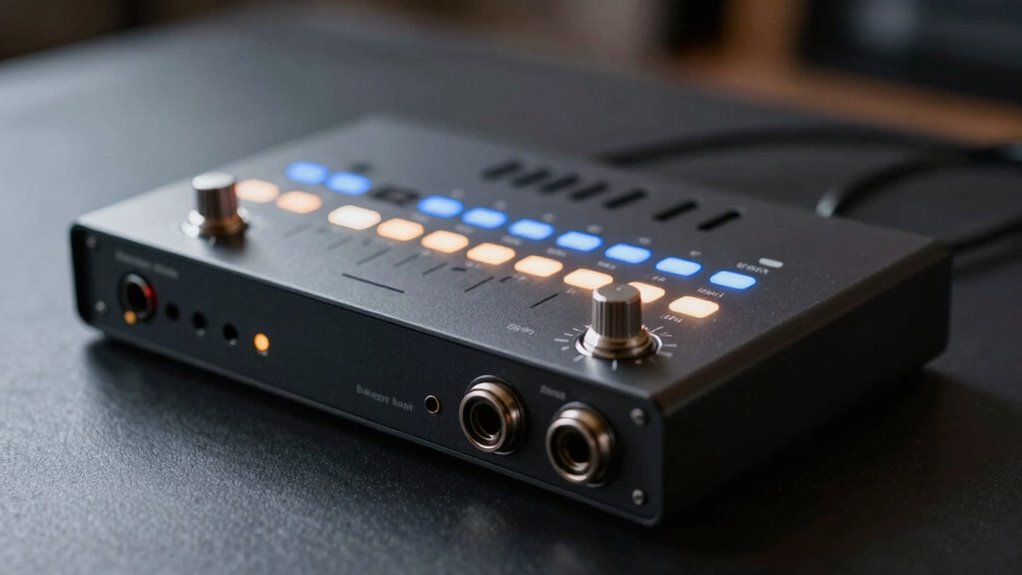
Ever wonder why some recordings sound crisp and clear while others seem noisy or muddy? That’s often due to the noise floor, which is the level of background noise in your audio system. The noise floor sets the baseline of unwanted sound that’s always present, even when no signal is being recorded. If your audio interface has a high noise floor, you’ll notice more background noise, reducing sound clarity and making recordings less professional. A low noise floor means less background noise and cleaner sound quality. This is especially important when capturing quiet sounds or subtle details. Understanding your interface’s noise floor helps you optimize your recordings, ensuring that background noise doesn’t interfere with the clarity and overall quality of your sound.
Focusrite Scarlett Solo 3rd Gen USB Audio Interface for Guitarists, Vocalists, Podcasters or Producers to record and playback studio quality sound
Pro performance with great pre-amps – Achieve a brighter recording thanks to the high performing mic pre-amps of…
As an affiliate, we earn on qualifying purchases.
As an affiliate, we earn on qualifying purchases.
How Do Preamps and Gain Compare Across Different Audio Interfaces?
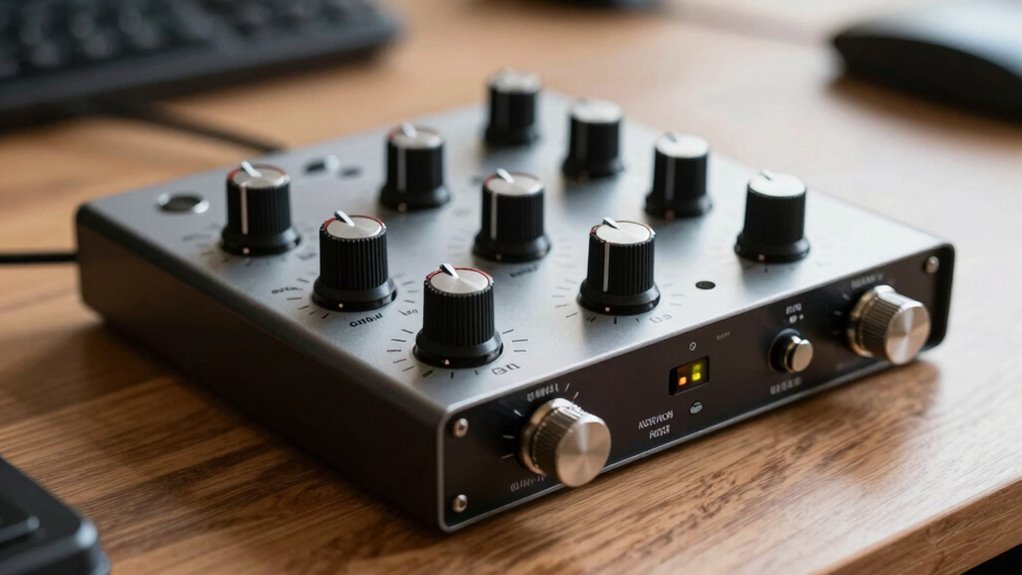
The quality of your audio recordings often hinges on the preamps and gain controls in your audio interface. When comparing preamps, you’ll notice significant differences in clarity, warmth, and noise levels. Gain variation across interfaces can affect how loud your input sounds without introducing distortion or noise. Additionally, understanding how urban traffic confidence influences your recording environment can help in selecting a setup that minimizes external noise interference. Here’s what to consider in preamps comparison and gain variation:
- Preamp quality impacts tone and noise floor.
- Gain range determines how much you can amplify signals.
- Headroom affects how well the interface handles loud sources.
- Consistency ensures stable gain across different levels.
Understanding these factors helps you choose an interface that matches your recording needs. By evaluating preamps and gain controls carefully, you’ll ensure your audio captures are clean, detailed, and well-balanced, regardless of the interface you pick.
Tips to Optimize Gain and Preamps for Clear Sound

To achieve clear, professional sound, it’s vital to optimize your preamp settings and gain structure carefully. Start by adjusting microphone placement; positioning your mic closer reduces the need for excessive gain and minimizes room reflections. Be mindful of room acoustics—treating your space reduces reverb and unwanted noise, allowing your preamp to focus on the source. Use the following tips:
| Tip | Benefit |
|---|---|
| Lower microphone placement | Less ambient noise and room echo |
| Use proper gain staging | Prevents distortion and noise floor issues |
| Control room acoustics | Enhances clarity and reduces reflections |
Fine-tuning these elements ensures your preamp captures a clean, balanced sound without unnecessary noise. Additionally, understanding noise floor levels helps you set optimal gain and avoid unwanted background hum.
Common Preamps and Gain Mistakes: And How to Avoid Them
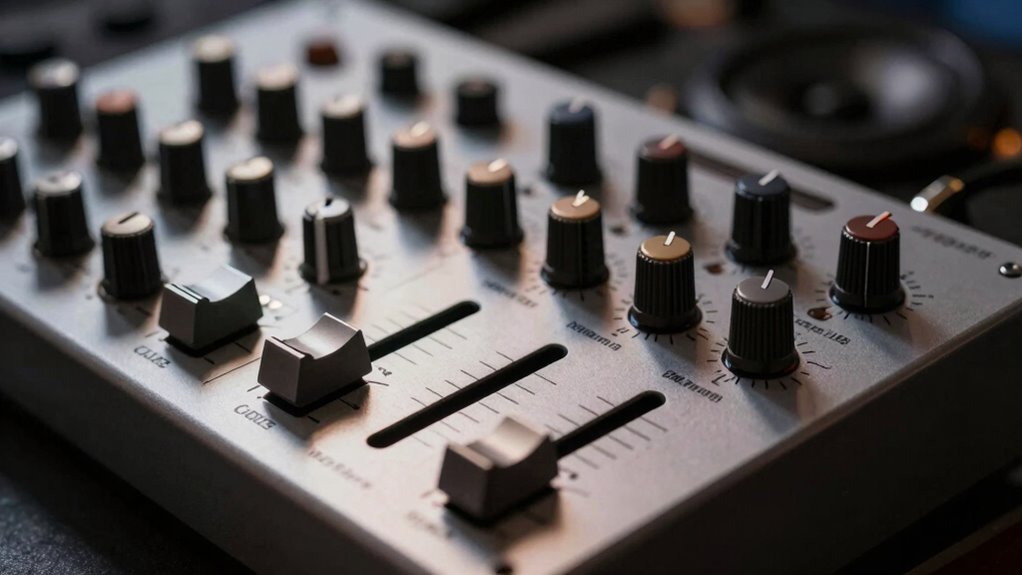
Choosing the right preamp and setting your gain correctly are crucial steps that many beginners overlook, leading to common mistakes that can compromise your sound quality. One mistake is relying solely on gain knobs without considering microphone placement, which affects signal strength. Poor cable quality can introduce noise, making your recordings less clear. Avoid these pitfalls by:
Proper microphone placement and quality cables are key to optimal preamp performance.
- Properly positioning your microphone to maximize signal levels
- Using high-quality cables to reduce noise and interference
- Not overloading the preamp with excessive gain, which causes distortion
- Monitoring your input levels carefully to prevent clipping
- Understanding noise floor levels to ensure your recordings remain clean and free from unwanted background sounds
Being mindful of microphone placement and investing in good cables ensures your preamp functions effectively. These small adjustments make a big difference in achieving clean, professional sound.
Frequently Asked Questions
How Do I Choose the Right Preamp for My Recording Needs?
To choose the right preamp for your recording needs, consider preamp types that match your source, like tube for warmth or solid-state for clarity. Think about the signal clarity you want; a preamp with low noise floor guarantees clean recordings. Test different preamps if possible, and select one that enhances your sound without adding unwanted noise. Your choice should support your desired tone and recording environment.
What Is the Optimal Gain Level for Different Microphone Types?
You should set the gain level based on your microphone’s sensitivity and the desired gain staging. For sensitive mics like condensers, keep gain lower to prevent distortion, usually around 20-40 dB. For dynamic mics with lower sensitivity, increase gain to about 40-60 dB. Always aim for a healthy signal level without clipping, adjusting gain carefully to optimize sound quality and maintain proper gain staging.
How Does Temperature Affect Noise Floor in Audio Interfaces?
Did you know that a 10°C increase in temperature can raise the noise floor by up to 3 dB? Thermal effects considerably impact ambient noise in audio interfaces, causing electronic components to generate more thermal noise as temperatures rise. You should keep your equipment in a cool, stable environment to minimize this effect, ensuring cleaner sound quality and more accurate recordings. Temperature management is key for ideal audio performance.
Can High Gain Settings Cause Audio Distortion?
Yes, high gain settings can cause audio distortion. When you turn up the gain control too much, distortion causes the signal to clip, leading to unwanted harshness or fuzziness. This happens because the preamp amplifies the input signal beyond its clean range. To avoid distortion, keep the gain at a level that provides clear, strong audio without pushing it into clipping, ensuring your recordings stay crisp and clean.
Are There Specific Preamp Features That Improve Sound Clarity?
Yes, certain preamp features can improve sound clarity. Look for preamp design that emphasizes low distortion and high headroom, ensuring cleaner audio. Impedance matching between your source and preamp is vital, as it minimizes signal loss and preserves audio fidelity. A well-designed preamp with these features helps deliver clearer, more accurate sound, making your recordings and mixes sound professional and polished.
Conclusion
Think of your audio interface as the gateway to your sound’s true voice. When you understand preamps, gain, and noise floors, you’re crafting a clear, vibrant masterpiece instead of a muddy muddle. Master these elements, and your recordings become a symphony of clarity, each note shining through like stars in a night sky. Keep tuning your setup, and watch your sound transform from whispers into a roaring, beautiful story.