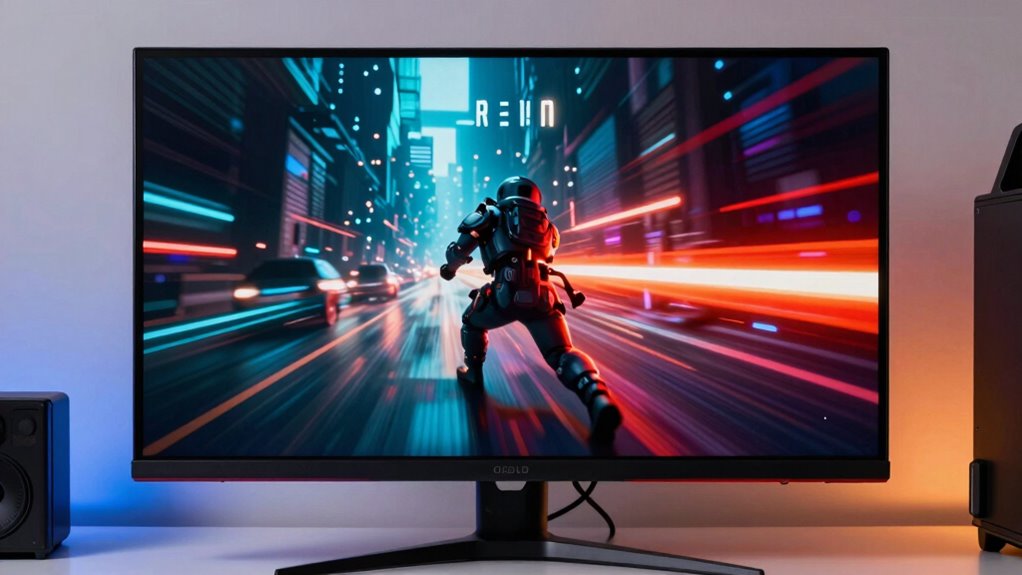

While burn-in concerns with OLED gaming monitors are common, modern models have advanced features like pixel shifting, auto-dimming, and screen savers that considerably reduce this risk. Many users enjoy long gaming sessions without noticing burn-in, thanks to ongoing improvements in OLED durability and proper usage habits. If you want to understand how these screens balance stunning visuals with longevity, there’s more to discover about their real-world performance and protections.
Key Takeaways
- Modern OLED monitors include features like pixel shifting and screen savers to prevent burn-in during extended use.
- Burn-in concerns are often overstated; many users experience long-term use without visible damage.
- Advances in OLED technology and materials have significantly extended lifespan and durability.
- Proper usage habits, such as avoiding static images, greatly reduce burn-in risk.
- OLED gaming monitors deliver exceptional image quality and longevity, making them practical for serious gamers.
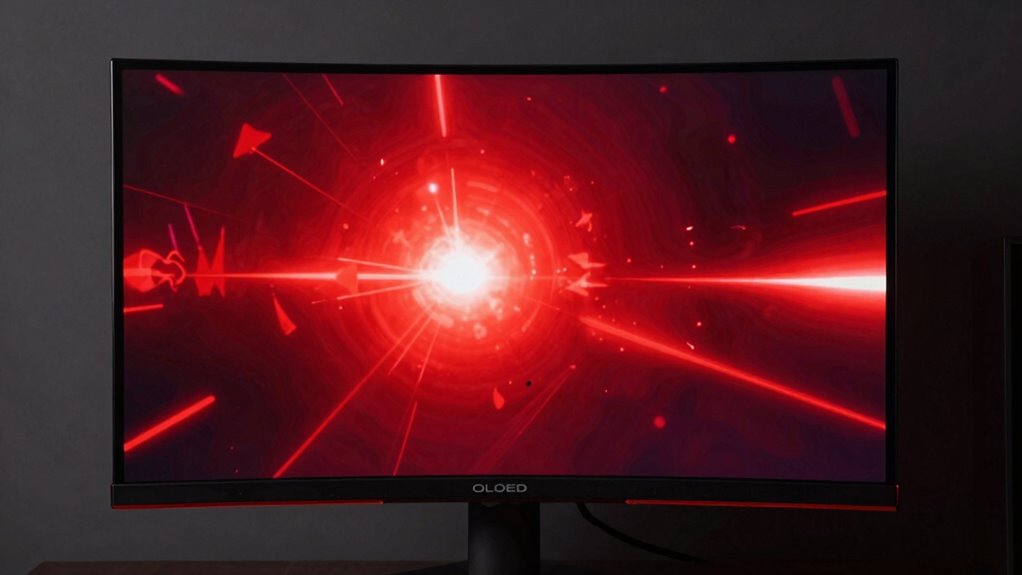
OLED gaming monitors are revolutionizing the way you experience gameplay with their stunning contrast, vivid colors, and fast response times. When you sit down to play, you’ll immediately notice the deep blacks and vibrant hues that make visuals pop with remarkable clarity. This is thanks to OLED technology’s ability to turn each pixel on or off independently, delivering exceptional color accuracy and contrast that LCDs simply can’t match. The rich, lifelike images pull you into the game world, making every scene feel immersive and real. Plus, with response times often measured in milliseconds, motion appears smooth and sharp, giving you a competitive edge in fast-paced games.
One of the biggest concerns with OLED monitors is burn-in, but in real-world use, that fear is often overstated. Modern OLED screens incorporate advanced mitigation techniques like pixel shifting, screen savers, and auto-dimming, which significantly reduce the risk of burn-in during typical gaming sessions. If you’re someone who enjoys long gaming marathons or leaves static images on the screen for extended periods, these features act as safeguards, making burn-in a manageable concern rather than a dealbreaker. Many users find that their OLED monitors perform flawlessly over months and even years without any sign of burn-in, especially when they practice good habits like avoiding static UI elements or switching up content regularly. Proper care and usage further help extend the lifespan of these displays.
Additionally, modern OLED technology continues to improve, further reducing the likelihood of burn-in and extending the lifespan of these displays. When you choose an OLED gaming monitor, you’re investing in superior color accuracy, which means your games look more realistic and visually appealing. Colors are rendered precisely, with a broader color gamut that enhances details often lost on other display types. This results in richer, more nuanced visuals that heighten your overall gaming experience. The quick response times further ensure that fast-moving scenes and rapid actions are rendered without motion blur or ghosting, giving you the clarity needed to react swiftly and accurately. Furthermore, long-term durability of OLED screens is steadily improving, making them increasingly reliable for extended use. As OLED lifespan advances, the concern about degradation over time is becoming less significant for most users. Modern manufacturing techniques and advances in materials are contributing to longer-lasting displays that maintain their visual quality over extended periods.
In the end, the combination of stunning visuals, vibrant colors, and rapid response times makes OLED gaming monitors a top choice for gamers who demand excellence. While burn-in remains a valid concern in theory, real-world usage shows that with proper care and modern protections, it rarely becomes an issue. You get the best of both worlds—breathtaking image quality and longevity—making OLED monitors a compelling option for serious gaming.

Samsung 27” Odyssey OLED G5 (G50SF) QHD & QD-OLED Gaming Monitor, 180Hz Refresh Rate, 0.03ms (GtG) Response Time, NVIDIA G-Sync Compatible, AMD FreeSync™, LS27FG500SNXZA
Samsung’s 27” Odyssey OLED G5 QHD Gaming Monitor delivers hyper-real visuals and lightning-fast action.
As an affiliate, we earn on qualifying purchases.
As an affiliate, we earn on qualifying purchases.
Frequently Asked Questions
How Long Do OLED Gaming Monitors Typically Last Before Burn-In Occurs?
OLED gaming monitors typically last around 30,000 to 50,000 hours before you might notice pixel degradation or burn-in. While contrast longevity is impressive, prolonged static images can accelerate pixel degradation, increasing burn-in risk. To minimize this, you should vary your content and use screen savers. With proper care, your OLED monitor can deliver vibrant visuals for years, making the burn-in fear less of a concern in real-world use.
Are There Specific Gaming Genres Better Suited for OLED Monitors?
You’ll find that fast-paced genres like first-person shooters and racing games benefit from OLED monitors due to their high refresh rates and excellent color accuracy. These features enhance motion clarity and vibrant visuals, making gameplay more immersive. However, for genres with static images, like real-time strategy or simulation games, you might want to be cautious about potential burn-in over time. Overall, OLEDs shine brightest with dynamic, visually demanding games.
What Maintenance Can Prevent Burn-In on OLED Screens During Gaming?
Think of your OLED screen as a delicate dance partner—gentle care keeps it shining. You can prevent burn-in by regularly performing screen calibration and enabling pixel shifting features, which gently move the image to prevent static elements from settling in. Avoid leaving static images for extended periods, and take breaks during long gaming sessions. These habits act as a shield, preserving your monitor’s vibrant life and extending its graceful dance.
How Do OLED Monitors Compare to Traditional LED in Response Time?
You’ll find OLED monitors generally have faster response times than traditional LED displays, making your gaming smoother and more responsive. Their superior color accuracy enhances visuals, giving you richer, more vibrant images. While OLEDs tend to consume more power during bright scenes, they excel in delivering quick pixel response times, reducing motion blur. Overall, if response time and color quality matter most, OLED monitors outperform traditional LED options, though consider power use for extended gaming sessions.
Can Software or Settings Help Mitigate Burn-In Risks?
Yes, software and settings can help mitigate burn-in risks on OLED monitors. You should regularly update your monitor’s software to benefit from improvements and fixes. Adjusting screen calibration, like reducing static image brightness and enabling pixel-shifting features, can also protect your display. Additionally, using screen savers and avoiding prolonged static images decreases burn-in chances, keeping your OLED monitor in good condition for longer.
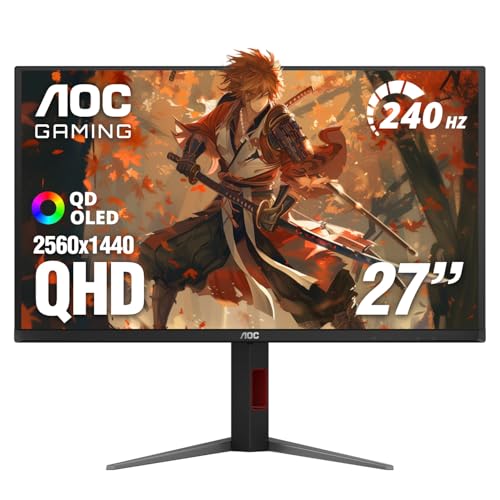
AOC 27 Inch OLED Gaming Monitor (QD-OLED), 1440p QHD 2560×1440, 240Hz, 0.03ms, HDMI 2.1, G-SYNC Compatible, HDR True Black, Height Adjustable Stand, USB Hub, Q27GAZDV
27 Inch OLED Gaming Monitor with QD-OLED Technology – Experience true blacks and infinite contrast with advanced QD-OLED…
As an affiliate, we earn on qualifying purchases.
As an affiliate, we earn on qualifying purchases.
Conclusion
While burn-in fears might seem intimidating, modern OLED gaming monitors are more resilient than you think—like a knight with a shield ready for battle. With proper care, you can enjoy stunning visuals and deep blacks without worrying about permanent damage. Embrace the vibrant, immersive experience OLEDs offer, and don’t let the myth of burn-in hold you back. Immerse yourself in gaming with confidence, knowing that these monitors are built to withstand your adventures.

AOC 27" QD OLED Gaming Monitor, QHD 2560×1440, 240Hz, 0.03ms GtG, G-SYNC Compatible, HDR Ready, DisplayPort, HDMI, VESA Mountable, Console Gaming Ready, Q27GAZD
27" QHD DISPLAY: Immerse yourself in stunning visuals with a 27-inch QHD (2560×1440) resolution, delivering crisp detail and…
As an affiliate, we earn on qualifying purchases.
As an affiliate, we earn on qualifying purchases.

13.3” OLED Portable Monitor Touchscreen, 1080P HDR Travel Screen, 500 Nits, Ultra-Slim External Second Monitor for Laptop Mac PC & Android Phone/Tablet (No Touch for iPhone/iPad/Consoles), with Case
Premium OLED Portable Monitor with Stunning Colors:This portable OLED monitor features a 13.3” FHD (1920×1080) display with 100%…
As an affiliate, we earn on qualifying purchases.
As an affiliate, we earn on qualifying purchases.