🔍 Read the full analysis: How We’re Getting The UGREEN NASync DXP6800 Pro Ready For AI on ThorstenMeyerAI.com

Get business pricing on office and shipping supplies
- Business-only prices and quantity discounts
- Tax-exempt purchasing
- Multiple users, one account, clear invoices
TL;DR
ThorstenMeyerAI.com says it bought a UGREEN NASync DXP6800 Pro after iCloud sync conflicts created 29 duplicate database dumps and left a server with 2% free disk space. The NAS has been equipped but is not yet connected or configured; its planned backup system and two acceptance tests remain unverified.
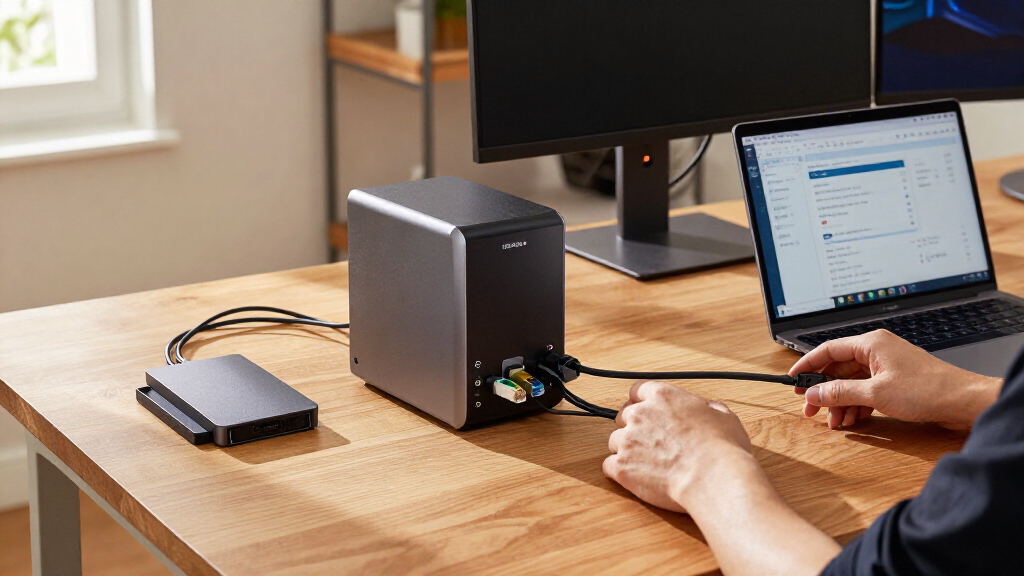
ThorstenMeyerAI.com has bought a UGREEN NASync DXP6800 Pro after duplicate files created by an iCloud sync workflow left one of the site’s servers with 2% free disk space. The six-bay network storage device has been delivered and fitted with drives, but is not yet connected or configured, so the proposed backup setup has not been tested.
The site’s account says two machines uploaded database dumps with the same filename to one iCloud folder on September 17. The resulting sync conflict produced 29 duplicate copies, nearly filling the machine that runs its main database. On October 29, a separate nightly cleanup job timed out while trying to delete older copies from the iCloud folder. The publisher says the backup itself completed, but managing the copies did not.
The hardware now on hand comprises the NAS, four Seagate IronWolf Pro 16 TB drives and one NVMe SSD. The planned configuration puts the four hard drives in RAID 6, which the publisher estimates would provide about 32 TB of usable capacity and tolerate the failure of two drives. The SSD would be a separate storage pool for containers and test databases. These are planned specifications and arrangements, not results from an operating system.
The publisher says it bought the equipment with its own money and that UGREEN did not provide a sample or sponsor the article. It also says the piece is not a review or long-term test, and that it has no affiliate links. Its current backups remain on local Time Machine disks and an iCloud copy of the nightly database dump; the NAS has yet to change that workflow.
Infographic 01 · The box
Six bays, two fast slots, two 10GbE ports
What UGREEN lists for the NASync DXP6800 Pro, and how we plan to fill it.
How we fill it
Delivered and equipped; the setup is our plan (1 Nov 2026)
Bays 1–4: Seagate IronWolf Pro 16 TB, RAID 6, Btrfs → ≈ 32 TB usable, any two drives may fail. Bays 5–6: free for growth. M.2 slot 1: the NVMe SSD (ordered: Samsung 990 Pro 1 TB) as its own fast pool. Slot 2: free. Six 16 TB drives in RAID 6 would give ≈ 64 TB.
What else UGREEN lists
From the product page, not measured by us
- Separate 128 GB SSD for the operating system, UGOS
- RAID: JBOD, Basic, 0, 1, 5, 6, 10
- 1× PCIe x4 · 2× Thunderbolt 4 · 8K HDMI · SD card reader
- Power: 43.07 W drives in use · 24.91 W drives in hibernation
- Stated maximum: 208 TB with 32 TB drives · 3-year warranty
Why six bays: with RAID 6, two drives always hold parity. In four bays that leaves half the raw space usable; with all six bays filled it becomes two thirds.
Sources: UGREEN DXP6800 Pro product page, checked 1 Nov 2026; Seagate IronWolf Pro data sheet DS2129.4; our setup plan, 6 Oct 2026.
Powered by Thorsten Meyer AI
A Local Copy Could Speed Recovery
The purchase addresses both backup reliability and recovery time. A local NAS could provide a nearby copy of important files, reducing dependence on a sync folder that can replicate unwanted changes. The publisher says a restore from storage on the same network should be faster than retrieving hundreds of gigabytes over its internet connection, although it has not measured that difference.
The setup also aims to move test databases off a work laptop, where the publisher says a Docker virtual disk had grown to about 30 GB. That could free space and reduce activity on the laptop, but those benefits have not been demonstrated. A NAS would not prevent the reported server crashes or replace an offsite copy; the plan treats local storage as one part of a broader backup system.
For readers running small AI or publishing operations, the account highlights a practical distinction: synchronization is not the same as backup. A sync service can copy deletions or unwanted files between locations. A separate backup system with retained snapshots and an offsite copy may offer more recovery options, provided those protections are configured and tested.
Popular right now

Breville Bambino Espresso Machine, Brushed Stainless Steel (BES450BSS)

Vitamix 5200 Professional-Grade Blender, 64 oz. Container, Black

De'Longhi Rivelia Automatic Espresso Machine with Milk Frother
As an affiliate, we earn on qualifying purchases.
Why the Sync Workflow Failed
The publisher describes a small fleet of Macs: one runs its main Postgres database, another serves local AI models, and others handle content pipelines and tests. Measurements taken on October 6 put storage use at about 2.6 TB on the main desk machine, 744 GB on the database server, and 3.2 TB on the model server. The database itself was about 293 GB; much of the model storage can be downloaded again. It estimates its current backup requirement at 6–8 TB.
The article also reports recurring kernel panics on the database Mac since August, at their worst about once every five days. A crash on August 8 caused 2¼ hours of database downtime, according to the publisher. A NAS would not stop such failures, but a local copy could make restoration quicker. The publisher says its model choice came down to expansion room: it selected the DXP6800 Pro’s six SATA bays over a cheaper four-bay option. UGREEN lists the model with a 10-core Intel Core i5-1235U, two 10GbE ports, two M.2 slots and 8 GB of DDR5 memory expandable to 64 GB.
The planned safeguards follow a 3-2-1 approach: multiple copies, different media and an offsite copy. The publisher says its design would give each Mac a separate non-admin account with a quota, add daily snapshots those accounts cannot access or delete, and send an encrypted copy to Backblaze B2 using restic with Object Lock. It also plans to schedule disk-heavy tasks overnight and avoid using UGREEN’s cloud mirroring as its offsite backup.
“That was the day I stopped treating a sync service as a backup.”
— Thorsten Meyer, ThorstenMeyerAI.com
Setup Tests Have Not Run
The NAS is not yet on the network, and the publisher has not run either of its stated acceptance tests. It remains unknown whether Time Machine will work with the planned non-admin account or whether snapshots will remain inaccessible to the accounts they are meant to protect against. Meyer says the unit will be returned if either test fails.
Other details also remain prospective: RAID 6 capacity is an estimate based on the planned drives, and the proposed restic upload to Backblaze B2, Object Lock protections, overnight schedules and separate SSD pool are not yet operating. The article provides no restore-test results, measured transfer speeds, noise readings or long-term reliability data. The publisher says it will report results after deployment.
Two Tests Before Deployment
The next step is to connect and configure the NAS, then run the two acceptance tests: a Time Machine backup using a non-admin account and a check that the daily snapshots stay outside that account’s reach. Meyer says failure on either test means returning the device.
If the tests pass, the publisher plans to configure the four-drive RAID 6 pool, keep containers and test databases on the NVMe SSD, and establish an encrypted offsite backup. It has not announced a deployment date. The company says it will report back with real results once the system is running; until then, its existing local Time Machine disks and iCloud database-dump copy remain in use.
Key Questions
What happened to prompt the NAS purchase?
The publisher says an iCloud sync conflict created 29 duplicate database dumps and left its database server with 2% free disk space. A later cleanup job also timed out while deleting old copies.
Is the UGREEN NAS already backing up the Macs?
No. As of November 1, 2026, the unit had been delivered and equipped but was not connected or set up. Existing backups still use local Time Machine disks and an iCloud database-dump copy.
How much storage does the planned setup provide?
The proposed four 16 TB drives in RAID 6 are estimated by the publisher to provide about 32 TB usable capacity. That is a planned figure; the configuration has not been tested.
What has to happen before the NAS is accepted?
The publisher plans to test Time Machine with a non-admin account and check that the account cannot access or delete daily snapshots. Meyer says the NAS will be returned if either test fails.
Will the NAS replace offsite backups?
No. The plan calls for a separate encrypted offsite copy using restic and Backblaze B2 with Object Lock. That arrangement is not yet configured, and the publisher says it will not rely on UGREEN cloud mirroring as its offsite backup.
Source: ThorstenMeyerAI.com