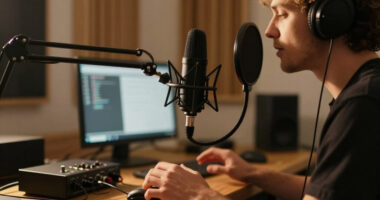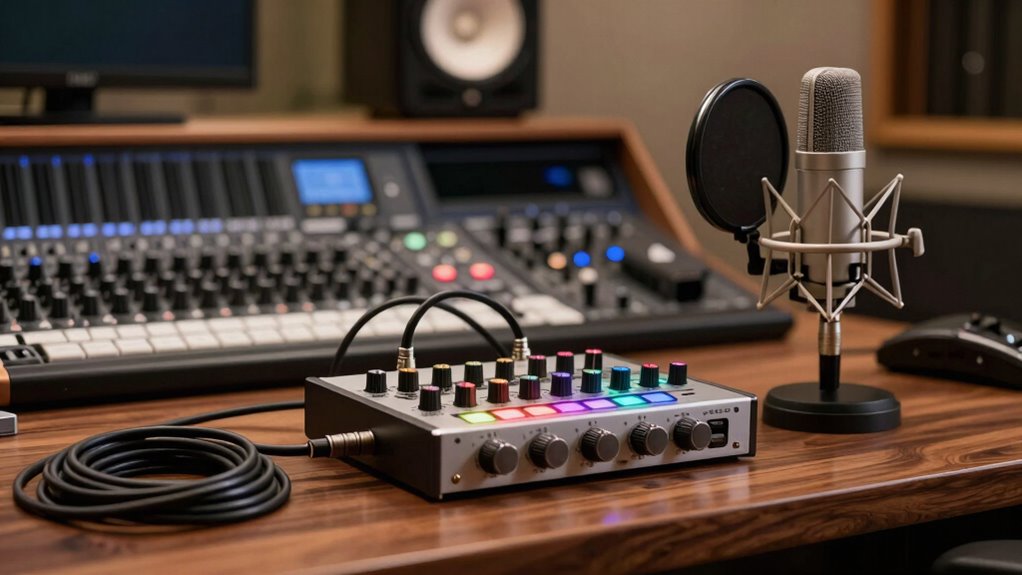
To avoid overcomplicating your choice, focus on the fundamentals like high-quality digital conversion and basic connectivity, such as USB. Pick an interface that suits your current needs, with enough inputs and outputs, but avoid overwhelming features. Prioritize models known for clarity and reliability to guarantee clear, professional recordings from the start. Stay simple at first—if you keep exploring, you’ll uncover more ways to grow your setup smoothly.

Get business pricing on office and shipping supplies
- Business-only prices and quantity discounts
- Tax-exempt purchasing
- Multiple users, one account, clear invoices
Key Takeaways
- Focus on high-quality digital conversion to ensure clear, noise-free recordings from the start.
- Choose a beginner-friendly interface with essential inputs and simple setup options.
- Prioritize compatibility with your current gear and future expansion needs.
- Avoid unnecessary features; start with basic connectivity like USB for ease of use.
- Gradually explore advanced options as your skills and recording needs grow.
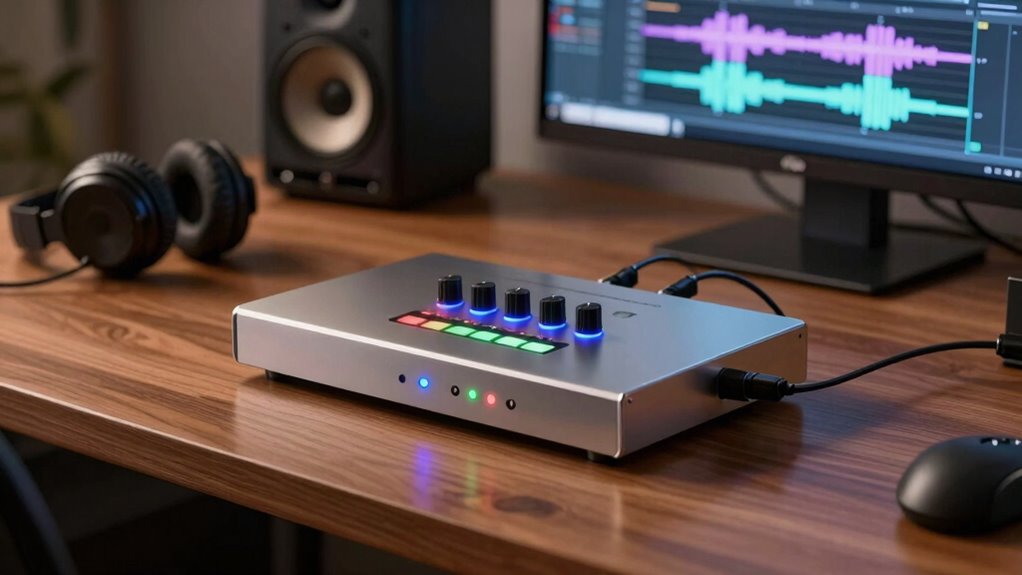
Are you new to recording or music production? If so, the idea of choosing an audio interface might feel overwhelming. With so many options out there, it’s easy to get lost in technical jargon. Let’s start with the basics. An audio interface is a device that connects your instruments and microphone to your computer, allowing you to record high-quality sound. The core functions revolve around digital conversion and connectivity options. Digital conversion refers to how well the device turns analog sound signals into digital data your computer can process. The better the conversion, the clearer and more accurate your recordings will be. Connectivity options are the various ports and ways your interface can connect to your computer and gear. These include USB, Thunderbolt, and sometimes even FireWire or Ethernet, depending on your setup and needs.
Choosing the right audio interface ensures high-quality sound and seamless connection for your music production journey.
When you’re just starting out, focus on a model that offers simple digital conversion—look for interfaces with good analog-to-digital converters that provide crisp, noise-free sound. You don’t need the most expensive model right away; a decent interface with reliable digital conversion will do the job. As for connectivity options, choose one that’s compatible with your computer and future gear. USB interfaces are common and versatile, working with nearly all computers, while Thunderbolt offers faster data transfer if you’re working with large sessions or professional-grade software. Understanding digital conversion can help you prioritize quality and make smarter choices when selecting your gear.
Keep in mind that more connectivity options can sometimes mean more complexity, but they also give you room to grow. For example, if you think you might want to record multiple instruments simultaneously or connect external gear like MIDI controllers or studio monitors, look for an interface that supports multiple inputs and outputs. Many beginner-friendly models come with straightforward setups, so you won’t get bogged down in confusing features. Additionally, understanding the importance of digital conversion quality can help you make smarter choices when selecting your gear.
In essence, don’t overthink it. Focus on finding an interface with good digital conversion quality and enough connectivity options to match your current setup and future ambitions. This approach ensures you get clean recordings and smooth integration with your computer. As you gain experience, you can explore more advanced features, but starting simple keeps things manageable. Remember, mastering the basics of digital conversion and connectivity is your first step toward professional-sounding recordings, without the stress of overcomplicating your gear.
Popular right now

Samsung 75-Inch M80H Series Mini LED 4K Smart TV (2026)

Shark Rotator Lift-Away Upright Vacuum, White/Red (NV501)

Ninja Foodi 8-Quart DualZone 6-in-1 Air Fryer, Grey (DZ201)
As an affiliate, we earn on qualifying purchases.
Frequently Asked Questions
Do I Need an Audio Interface for Casual Listening?
You don’t need an audio interface for casual listening, especially if you mainly listen to digital formats like MP3s or streaming services. An audio interface is more for recording and producing music. But if you want better sound quality at home, focus on acoustic treatment for your room to improve listening clarity. For casual use, regular headphones or speakers are enough without the extra equipment.
Can I Use a Regular Microphone Without an Audio Interface?
Did you know that nearly 60% of microphones require phantom power? You can’t just use a regular microphone without an audio interface unless it’s a USB or plug-and-play model. Most professional mics need compatibility with an audio interface and phantom power, which supplies the necessary power for condenser microphones. Without an interface, your microphone likely won’t work properly, especially if it’s an XLR condenser mic.
What’s the Difference Between USB and Thunderbolt Audio Interfaces?
USB and Thunderbolt audio interfaces differ mainly in speed and connection type. USB interfaces are more common and compatible with most computers, supporting digital signals, but might have slightly higher latency. Thunderbolt interfaces offer faster data transfer and lower latency, ideal for professional use. When choosing, consider compatibility with your device and whether you want digital or analog outputs. Both handle digital signals, but compatibility considerations vary based on your setup.
How Many Inputs and Outputs Do I Need for Home Recording?
Think of your audio interface as a control tower; the number of inputs and outputs guides your ability to handle multiple signals. For home recording, start with 2-4 input configurations and 2-4 output options. This setup allows you to record a couple of instruments and vocals simultaneously, plus monitor with headphones or speakers. If you plan to expand, go for more inputs and outputs, but keep it simple initially.
Are External Power Supplies Necessary for All Audio Interfaces?
External power supplies aren’t necessary for all audio interfaces; it depends on their power requirements and design. Many bus-powered interfaces draw power directly from your computer via USB or Thunderbolt, making them portable and easy to use. However, some professional models require external power supplies to guarantee compatibility considerations, especially with high-powered components or additional features. Check the power requirements and compatibility considerations before buying to ensure your setup works smoothly.
Conclusion
Getting started with audio interfaces doesn’t have to be overwhelming. Focus on your needs, choose a simple model, and learn as you go. Remember, Rome wasn’t built in a day—so don’t expect to master everything overnight. Keep things straightforward at first and build your setup gradually. With patience and practice, you’ll find the process becoming second nature. Embrace the journey, and soon you’ll be making music like a pro without breaking the bank.